
The application account is located at app.eofferix.com. Public planting tools are available without a login, but saving scripts, large files, schedules, and delivering results require an account.
When to use
Suitable for users who have just gained access to Eofferix or are re-entering.
Setting procedure
- Open the login page and enter your account email and password.
- If you don't have an account, go to registration from the login form.
- If you have forgotten your password, use recovery: a confirmation code will be sent to your email.
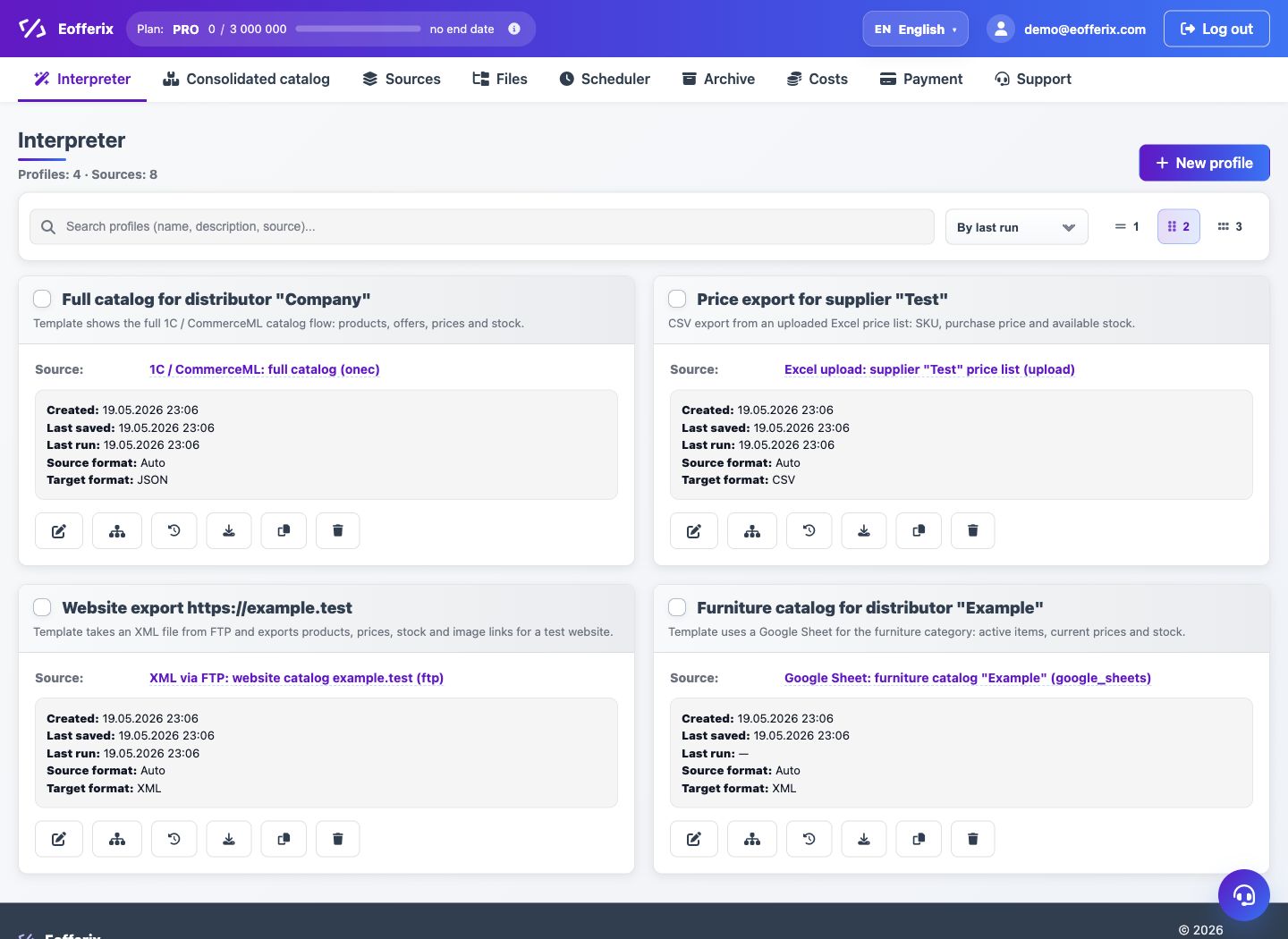
- After logging in, an account will open with the sections Interpreter, Union Catalog, Sources, Files, Scheduler, Archive and Payment.
What to check
- The email address is indicated without typos.
- The password is entered for app.eofferix.com, and not for a separate 1C or FTP source.
- After logging in, the user's email is displayed in the header.
Notes
- Source and SMTP passwords are stored separately from the account login password.
- Access to large files and additional options depends on the tariff.