
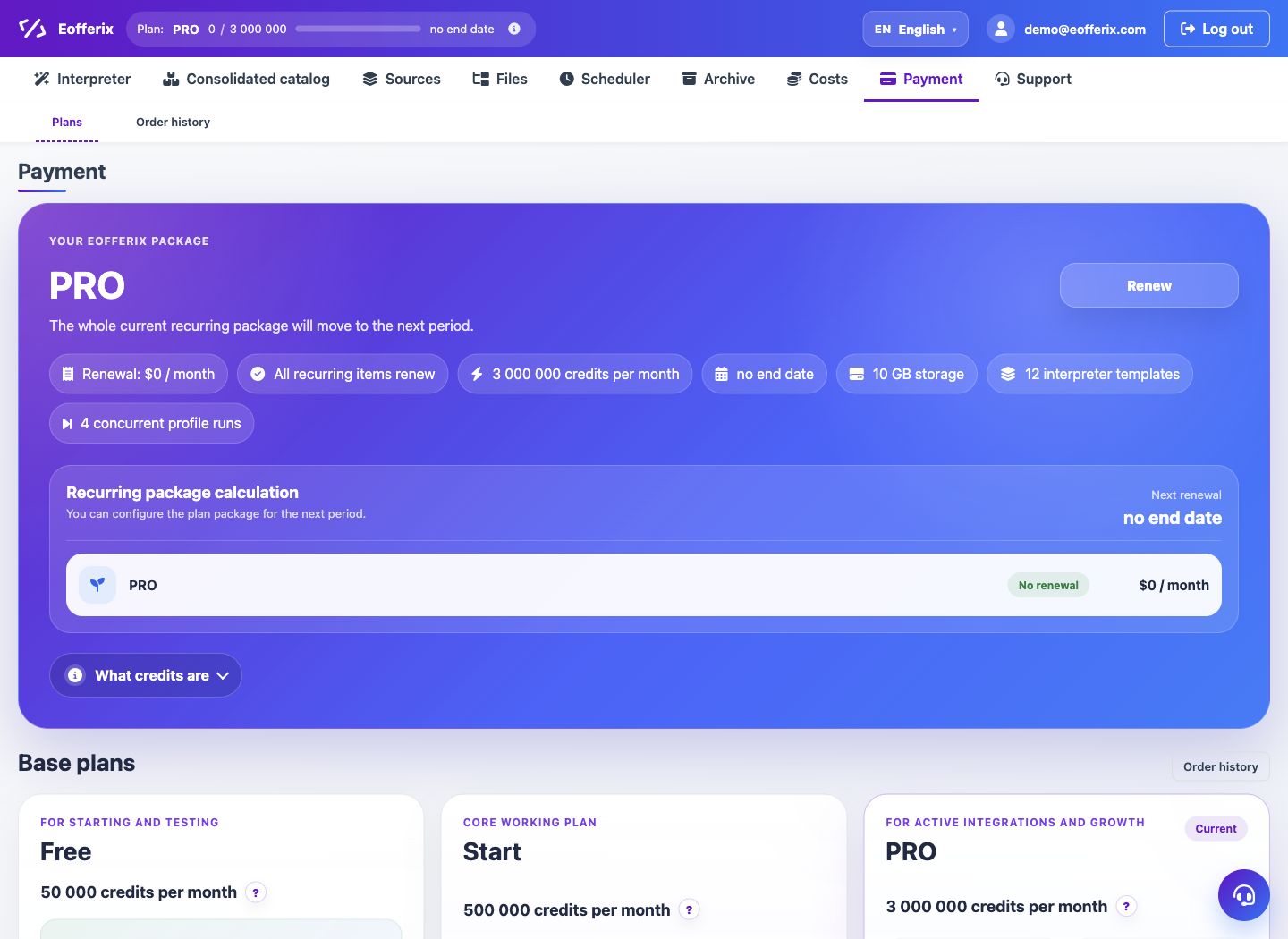
Additional interpreter templates, parallel launches, storage expansion and one-time additional purchase of credits are available for payment.
When to use
Use additional options when you don’t need to change the entire tariff, but a specific resource is missing.
Setting procedure
- Open the Payment section.
- Find the option you need.
- Specify the quantity if the option supports multiple units.
- Create an order and pay for it.
- Check the updated limits in the current package.
What to check
- The resource that limits the work is purchased.
- The number of options does not exceed the maximum.
- After payment, the limits were updated without duplicating the order.
Notes
- Additional launches are not used in conjunction with a personal server under the same rules as the regular tariff.
- The additional purchase of credits acts as a one-time top-up.