
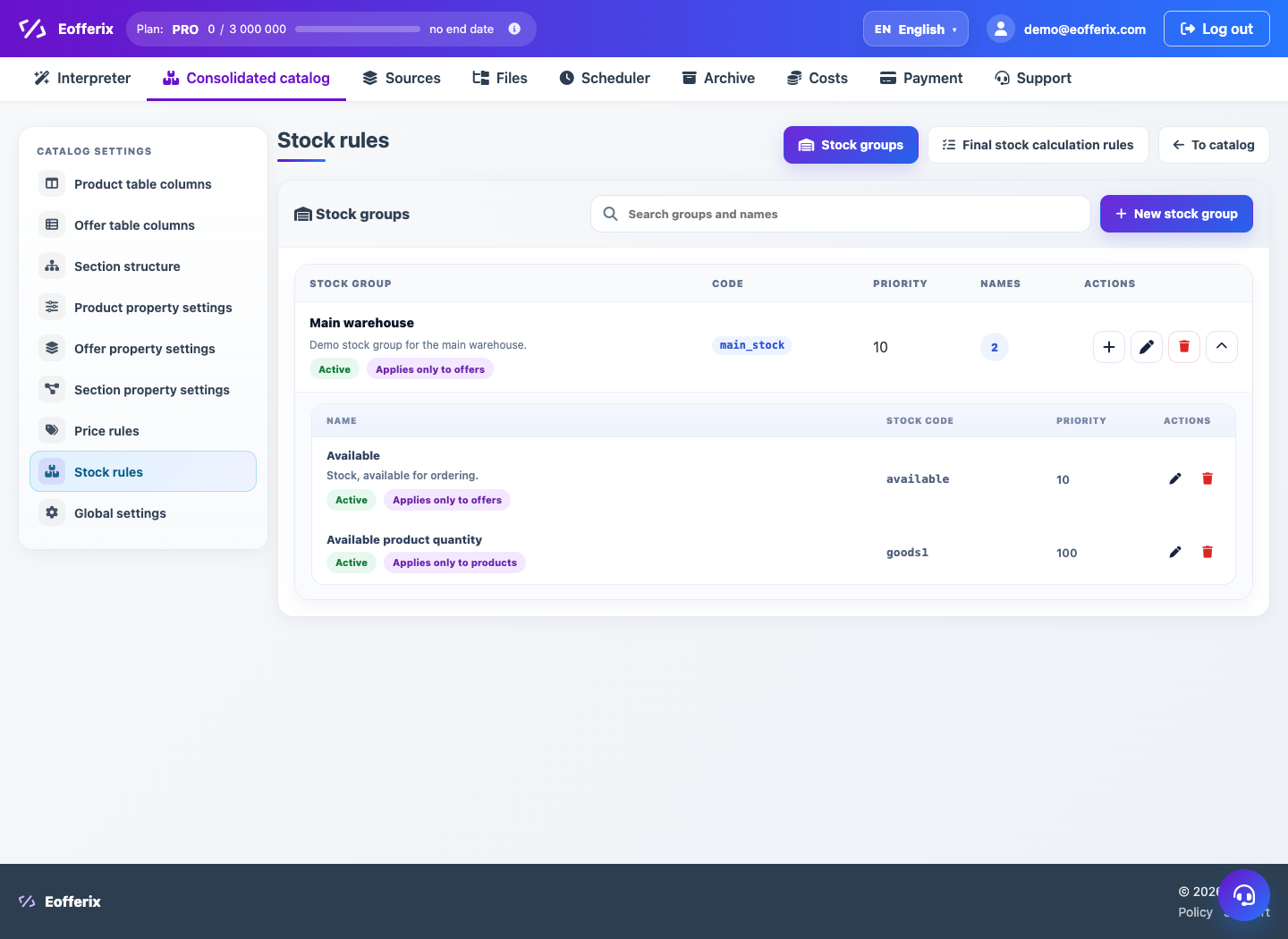
Stock can come from several warehouses, suppliers or sources. Final stock rules define what quantity should be treated as available.
Main approaches
- Sum warehouses when all locations are available for sale.
- Use priority warehouse when shipping starts from the main location.
- Use availability flag when exact quantity is not needed.
- Limit by source to count only one supplier or group.
Setup order
- Import stock as offer fields or separate warehouse metrics.
- Create stock groups: main warehouse, reserve, supplier, marketplace.
- Choose the strategy: sum, priority, minimum or availability flag.
- Check the offer card and product availability.
For safe imports, define behavior for zero stock: update the value, hide the offer or remove the source relation.