
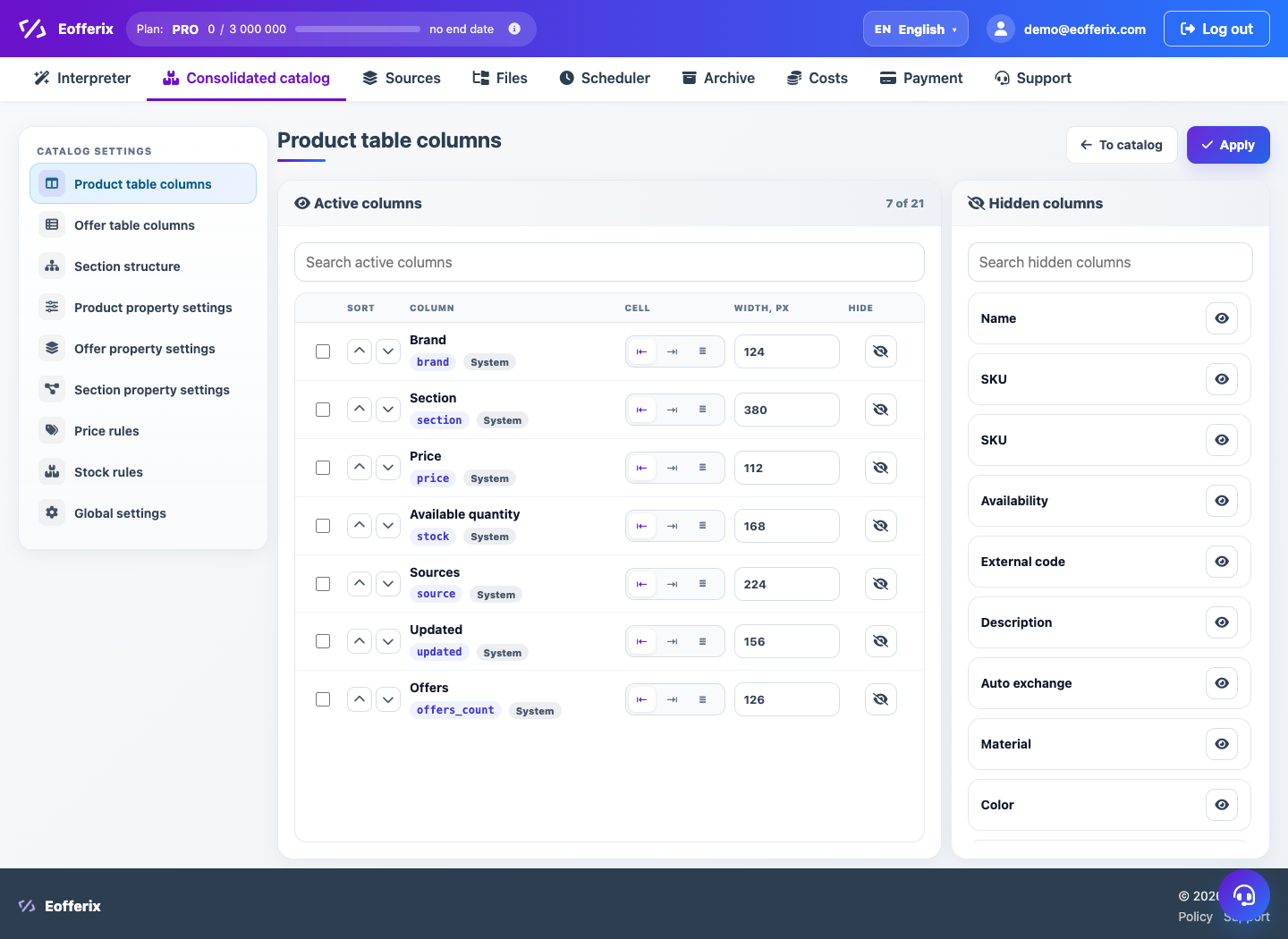
A section can be temporarily hidden, moved higher or lower, and reordered in the tree.
When to use
This is necessary if some sections should not be included in the working showcase or the order of categories should correspond to the site.
How to set up
- Open directory partition settings.
- Select a section in the tree or table.
- Use move, sort or visibility switch.
- Save your changes.
- Check the catalog and future uploads.
What will happen
Sections will be displayed in the desired order, and hidden sections will not interfere with your work.
What is important to remember
- Hiding a section does not necessarily remove products.
- Before deleting a section, check which products are associated with it.