
The tabular source is convenient for price lists, balances, directories and supplier files in Excel.
When to use
Use CSV/XLSX import if each row describes a product, offer, price, stock, or feature.
How to set up
- Upload CSV or XLSX as source.
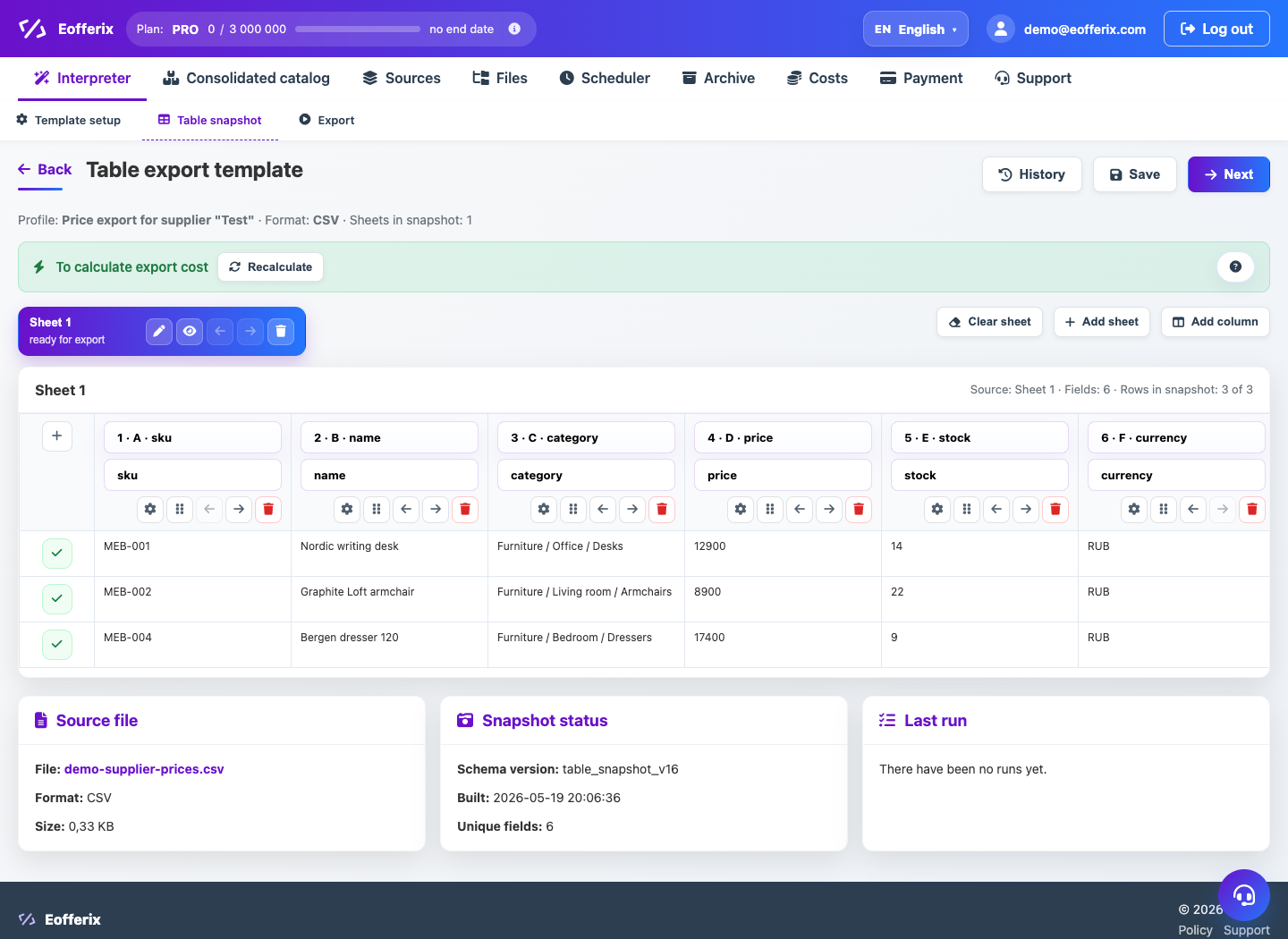
- Check the sheet, headings and separator.
- Create a union catalog upload profile.
- Match the columns with the catalog fields.
- Run the import and check for errors line by line.
What will happen
Table rows will turn into products, offers, or catalog property updates.
What is important to remember
- Articles and barcodes are best read as text.
- Empty lines and service headers must be excluded before importing.