
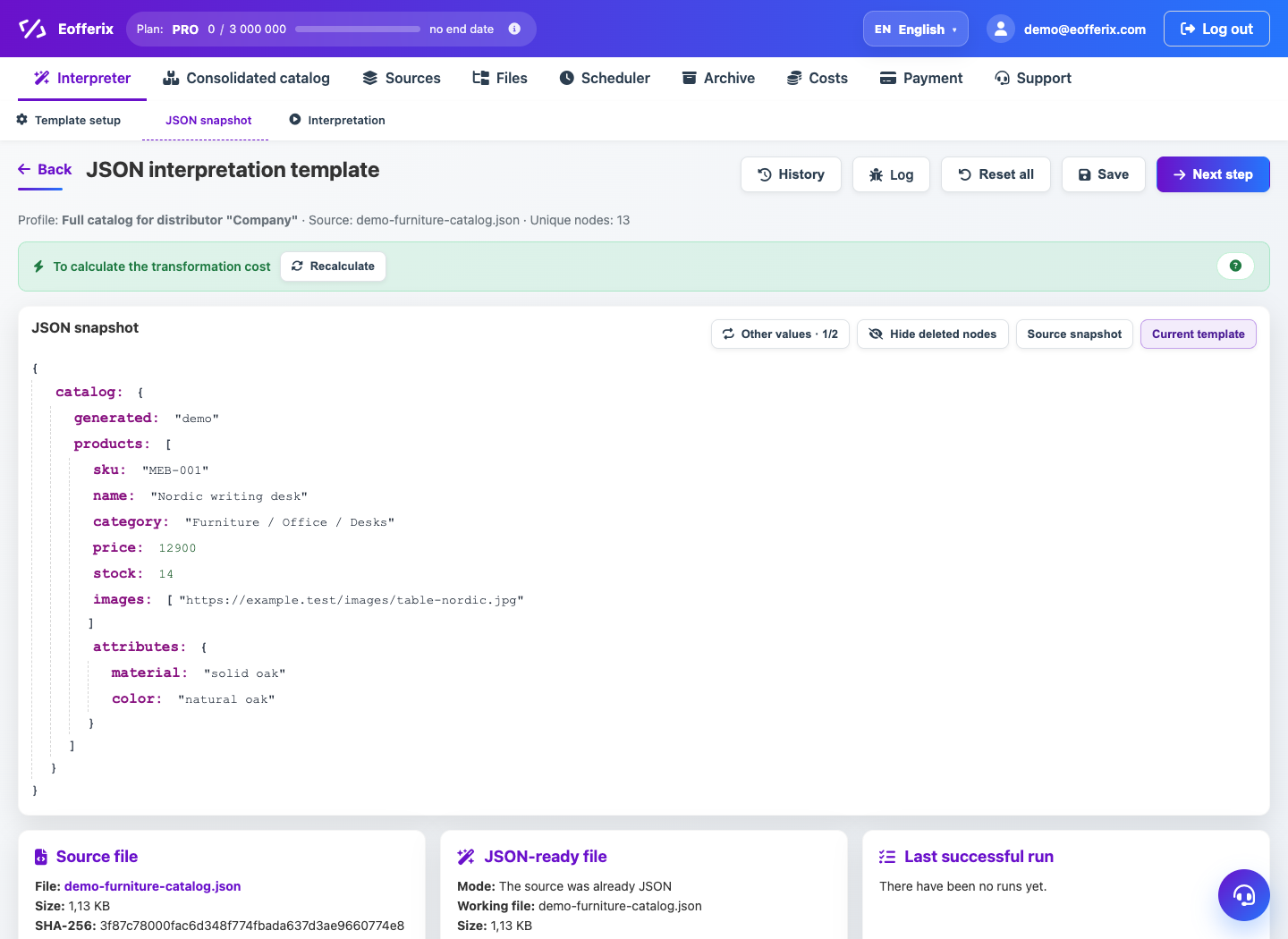
The JSON source can store products as an array of objects, nested offers, warehouses, images and characteristics.
When to use
Import is needed if the supplier or API provides data in JSON and it needs to be regularly updated in the common catalog database.
How to set up
- Connect the JSON source.
- Open the JSON editor and select the product array.
- Set up product, offer, and property fields.
- If offers are nested inside a product, set up a repeating block.
- Run the import and check the number of products and offers.
What will happen
The JSON data will become part of the union catalog and will be able to participate in the general rules of prices and balances.
What is important to remember
- Not all nested arrays are sentences: some may be pictures or characteristics.
- It is better to test large JSON files using a small test.