
What this page does
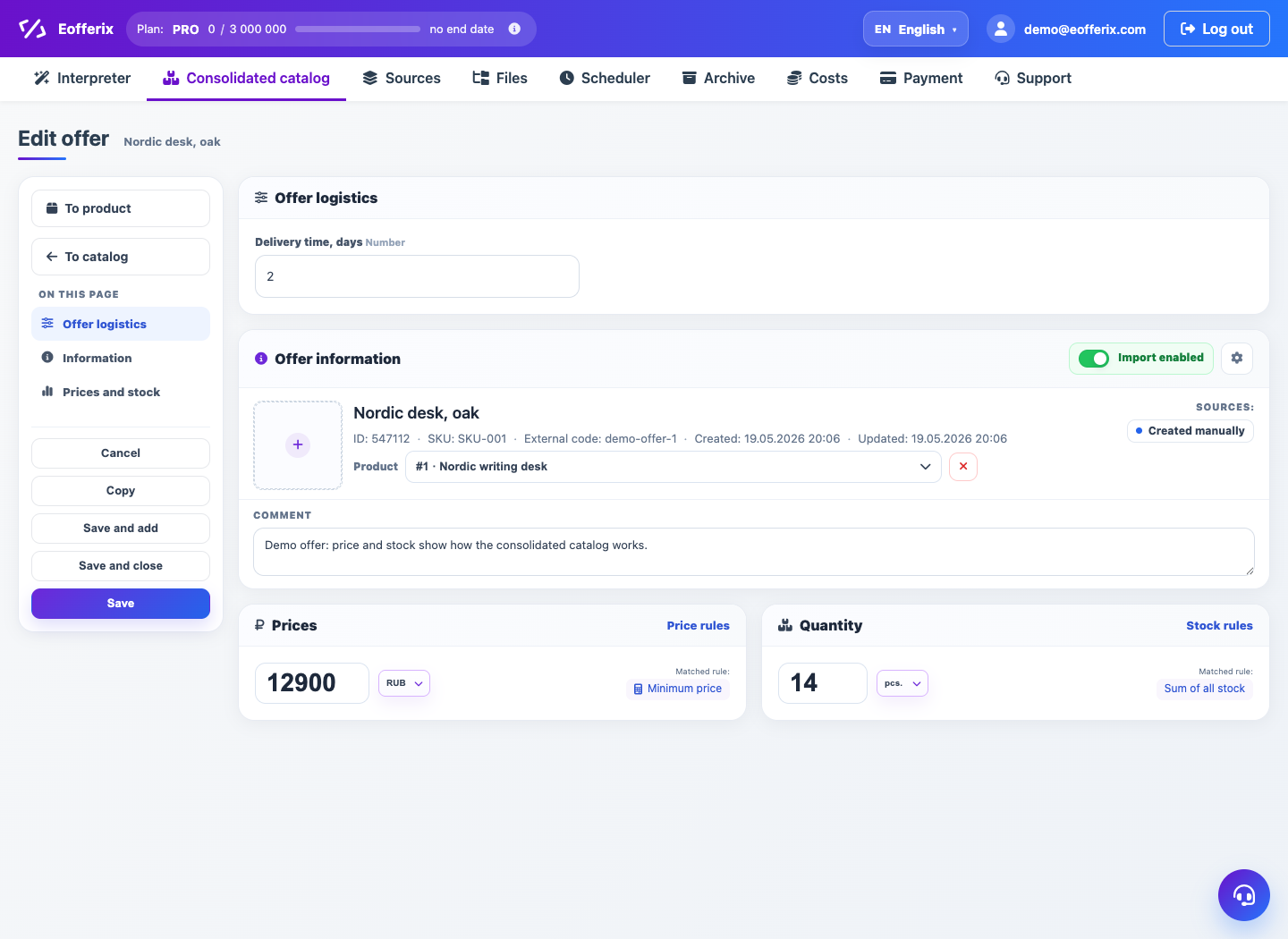
An offer card describes a concrete SKU or trade offer. It is used to check variants, prices, stock and relation to the parent product.
How to use it
- Open an offer from offers table or product card.
- Check link to parent product.
- Review SKU, article, variant properties and images.
- Check prices and stock by sources.
- Return to product to compare all offers.
Expected result
- The parent product is clear.
- Availability, price and variant properties can be checked.
- Product-SKU linking errors become visible.
Common issues
- Offer without product may indicate import linking issue.
- Duplicate SKUs often come from different supplier identifiers.
- Final prices depend on catalog price rules.