
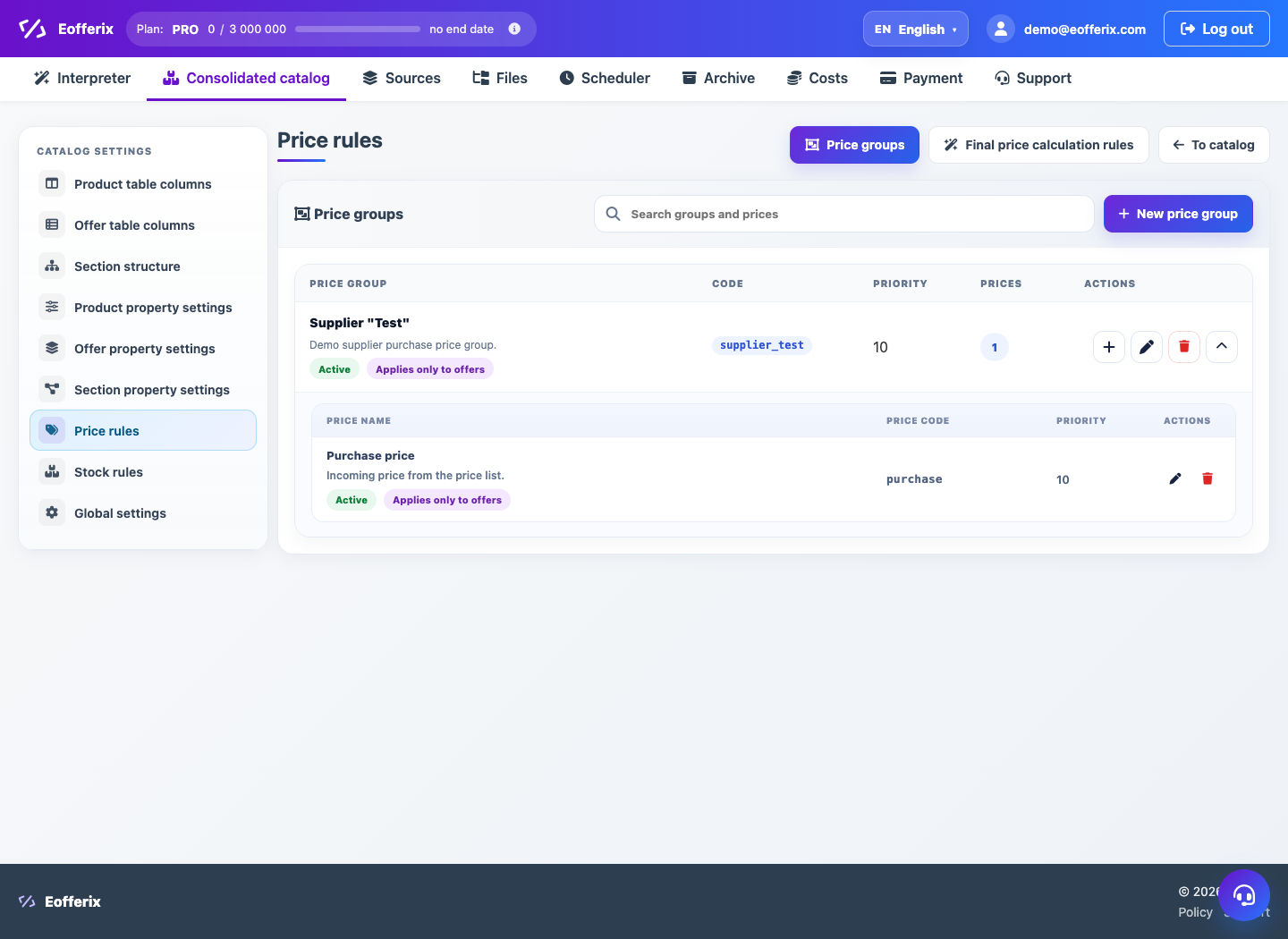
In the catalog settings, you can create price groups, price types, and rules for generating the final price by sources, filters, and priorities.
When to use
Use price rules if the catalog has several price sources or if you need to calculate the final price.
Setting procedure
- Open the Union Catalog settings and the Price Rules section.
- Create a price group for a supplier or logical source.
- Add price types: retail, wholesale, RRP, marketplace or others.
- Create a final price rule.
- Set up filter, strategy, priority, correction and rounding.
- Check the total in the catalog table.
What to check
- The rule applies to products, offers, or both levels as intended.
- Priorities do not conflict between multiple sources.
- Rounding gives the price in the correct format.
Notes
- Changing price rules can massively change storefront data.
- Before work unloading, check a few typical items.