
What this page does
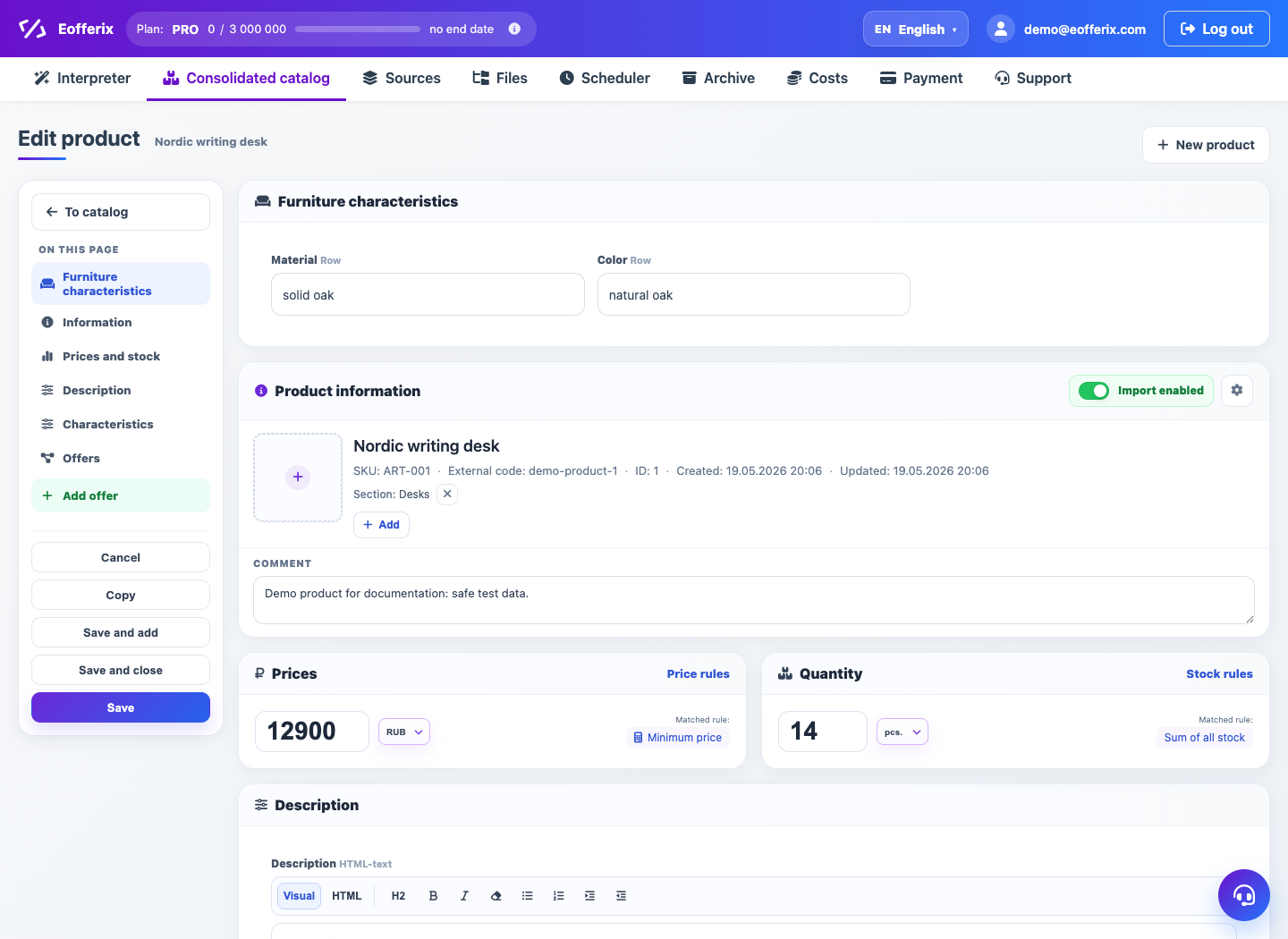
The product card shows complete catalog information for one product. It shows where data came from and which offers are linked.
How to use it
- Open a product from catalog table.
- Check main fields, description, images and sections.
- Review sources block to understand data origin.
- Check prices and stock if metrics are configured.
- Open linked offers to verify SKUs.
Expected result
- You understand the final product card.
- Missing or conflicting data is easier to see.
- Linked offers help verify variants.
Common issues
- No sources may mean the product was created manually.
- Price and stock depend on final metric rules.
- Full sync source can update the card on next import.