
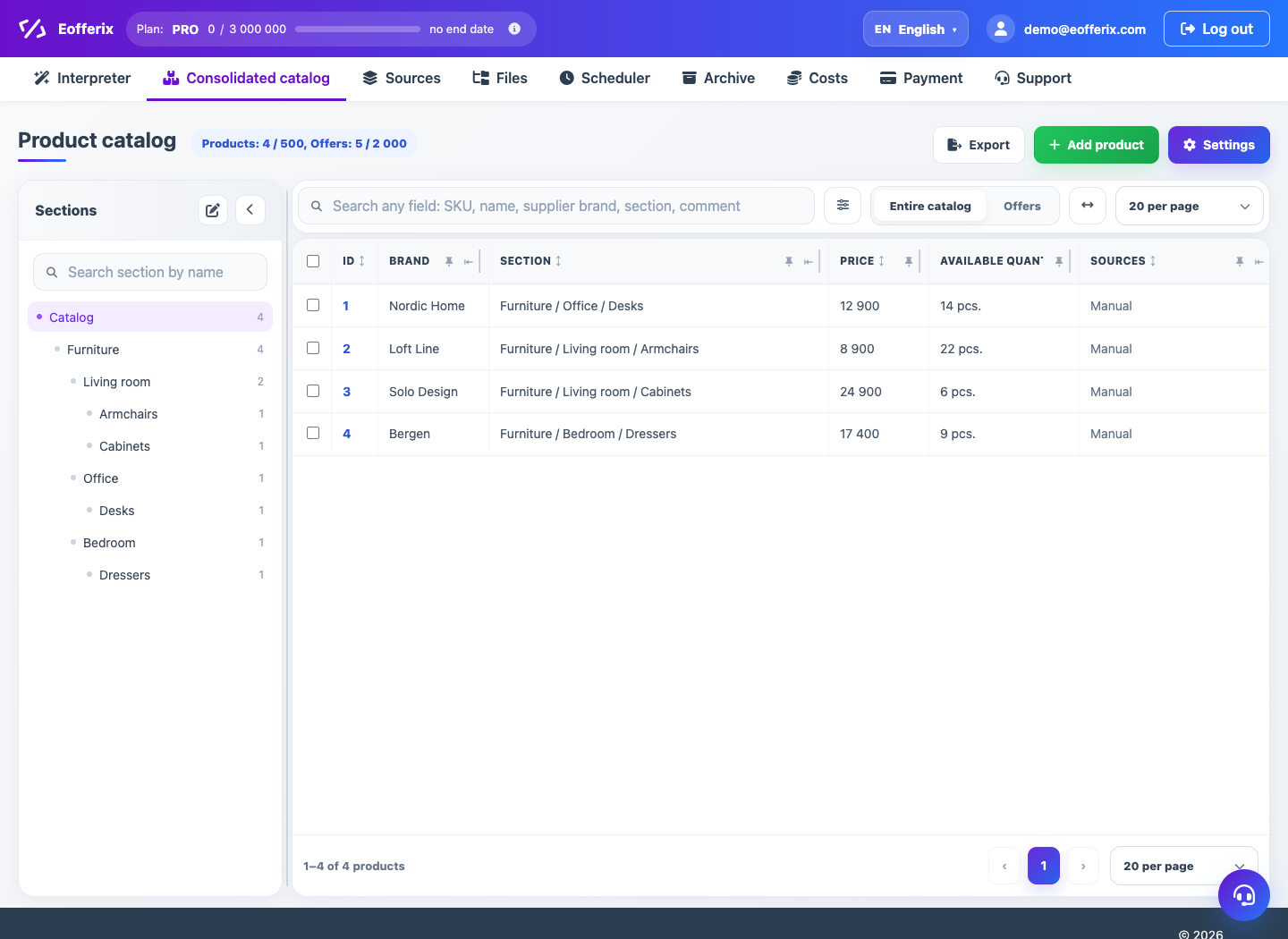
In the catalog, the product describes a general card, and the trade offer can store the variant, SKU, price, balance and availability.
When to use
Use the article if the source contains variants, SKUs, prices, or offer-level inventory.
Setting procedure
- Open the Union Catalog.
- Switch the view of products or offers.
- Use search, filters, and sorting to validate data.
- Check which fields relate to the product and which to the offer.
- If necessary, change the profile loading rules.
What to check
- SKUs and foreign keys do not mix product and offer.
- The price and balance are at the desired level.
- Product variants were not lost during import.
Notes
- Identification rules may differ for different providers.
- If the source does not contain offers, data can only be loaded at the product level.