
What this page does
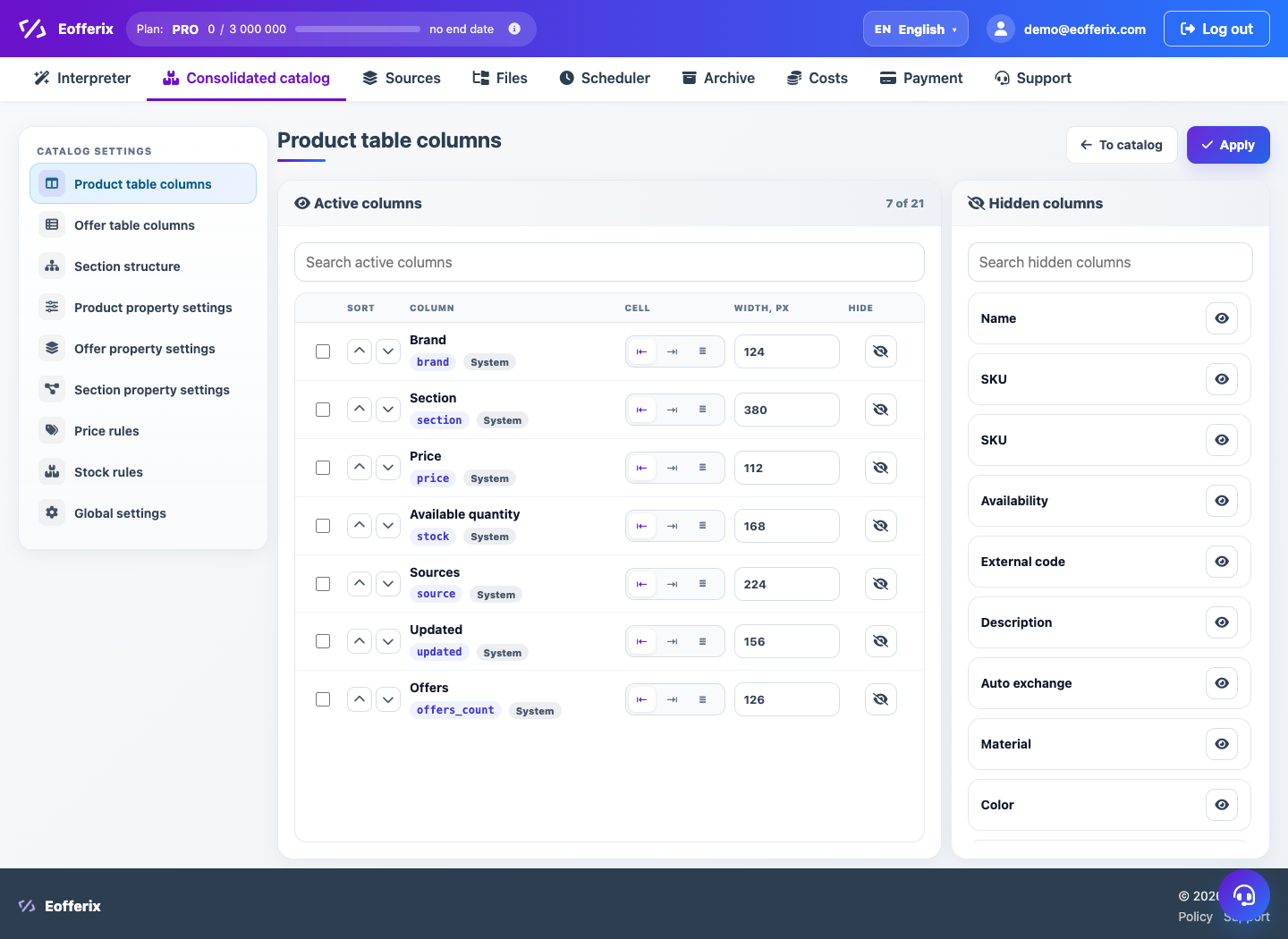
Catalog settings define the data model: product and offer fields, characteristic groups, sections and value normalization.
How to use it
- Open Settings from Unified Catalog.
- Create or edit custom fields.
- Configure field groups and display order.
- Add catalog sections and value dictionaries when needed.
- Save changes and check a product card.
Expected result
- The catalog gets a clear field structure.
- Filters and cards use configured groups.
- Profile imports can fill created fields.
Common issues
- Deleting a field can affect display and export.
- Dictionaries should match import logic.
- Structure changes should be checked on a test product.