
A regular expression helps remove unnecessary characters from codes: spaces, brackets, hyphens, text prefixes.
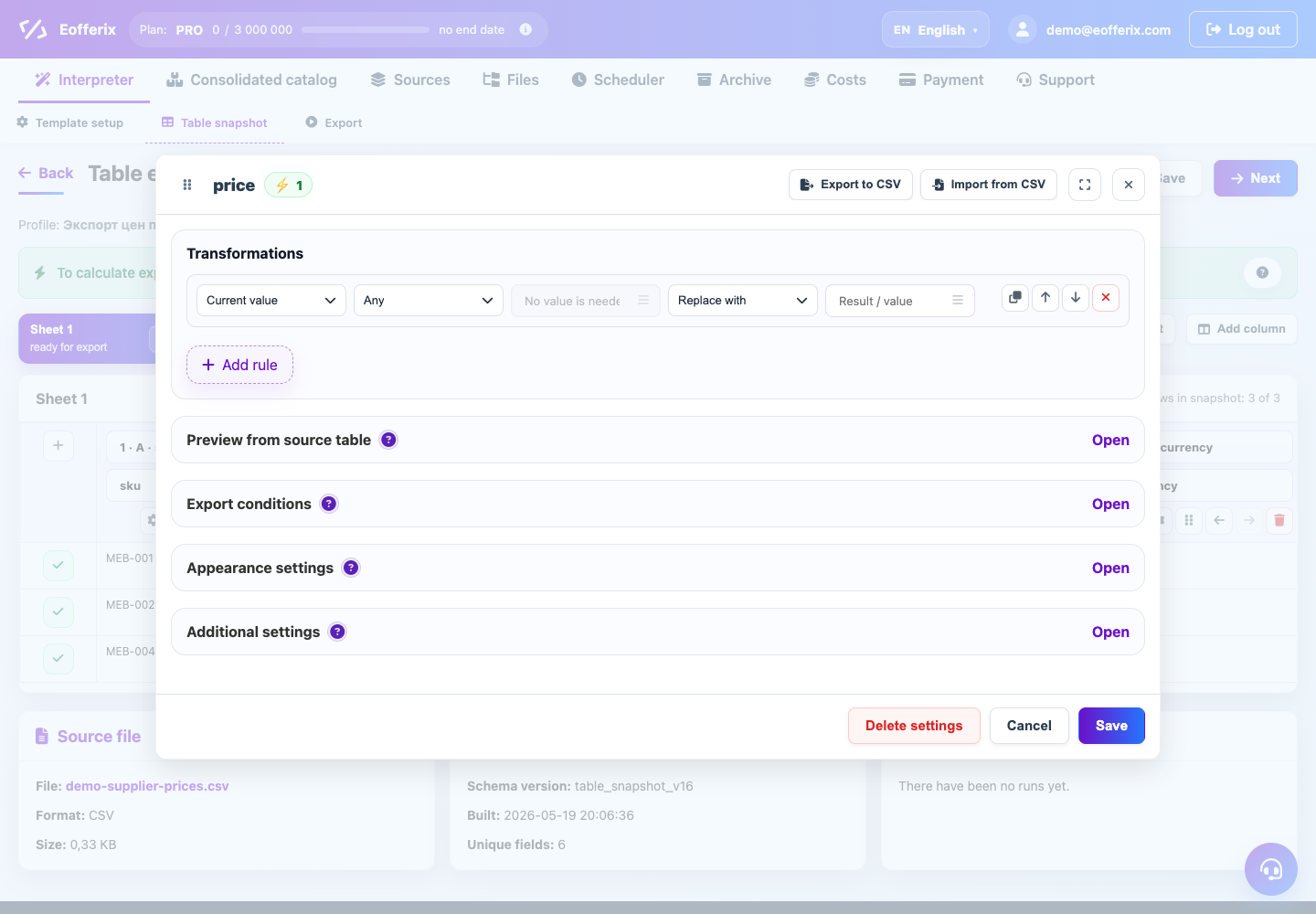
When to use
Use it for phones, SKUs, barcodes and supplier codes where only numbers or strictly defined characters are important.
How to set up
- Open the code field.
- Select the replace by regular expression action.
- Specify what to look for: for example, all non-numeric characters.
- Replace the found value with an empty value or the desired character.
- Check out several examples with different spellings.
What will happen
The code will be clean and ready to compare, search, or import.
What is important to remember
- Apply the regular expression on test lines first.
- Do not remove letters from article numbers if they are part of the code.