
What this page does
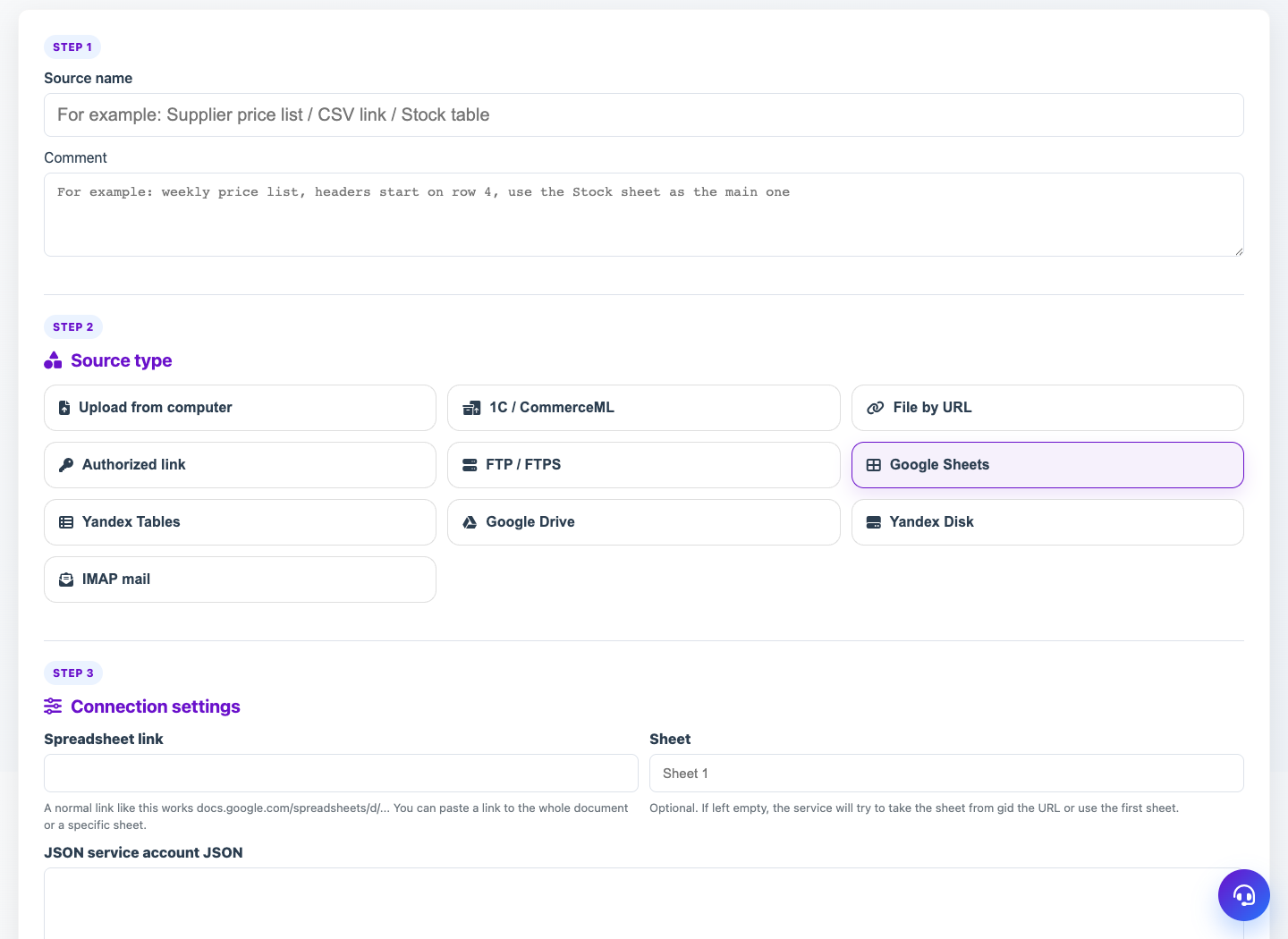
Cloud sources let Eofferix read tables and files without manual upload. Google Sheets, Google Drive and other cloud modules are available when enabled in the service configuration.
How to use it
- Choose a cloud module in the source card.
- Paste a spreadsheet or file link.
- For Google Sheets, upload service account JSON.
- Share the document with service account email as Viewer.
- Check access and receive the file.
Expected result
- Eofferix reads cloud data and stores a working version.
- The source can be refreshed manually or by schedule.
- Spreadsheets become suitable for table snapshot.
Common issues
- If the document is not shared with service account, Google will not return data.
- Use a normal document or file link.
- Editor rights are not required; Viewer is usually enough.