
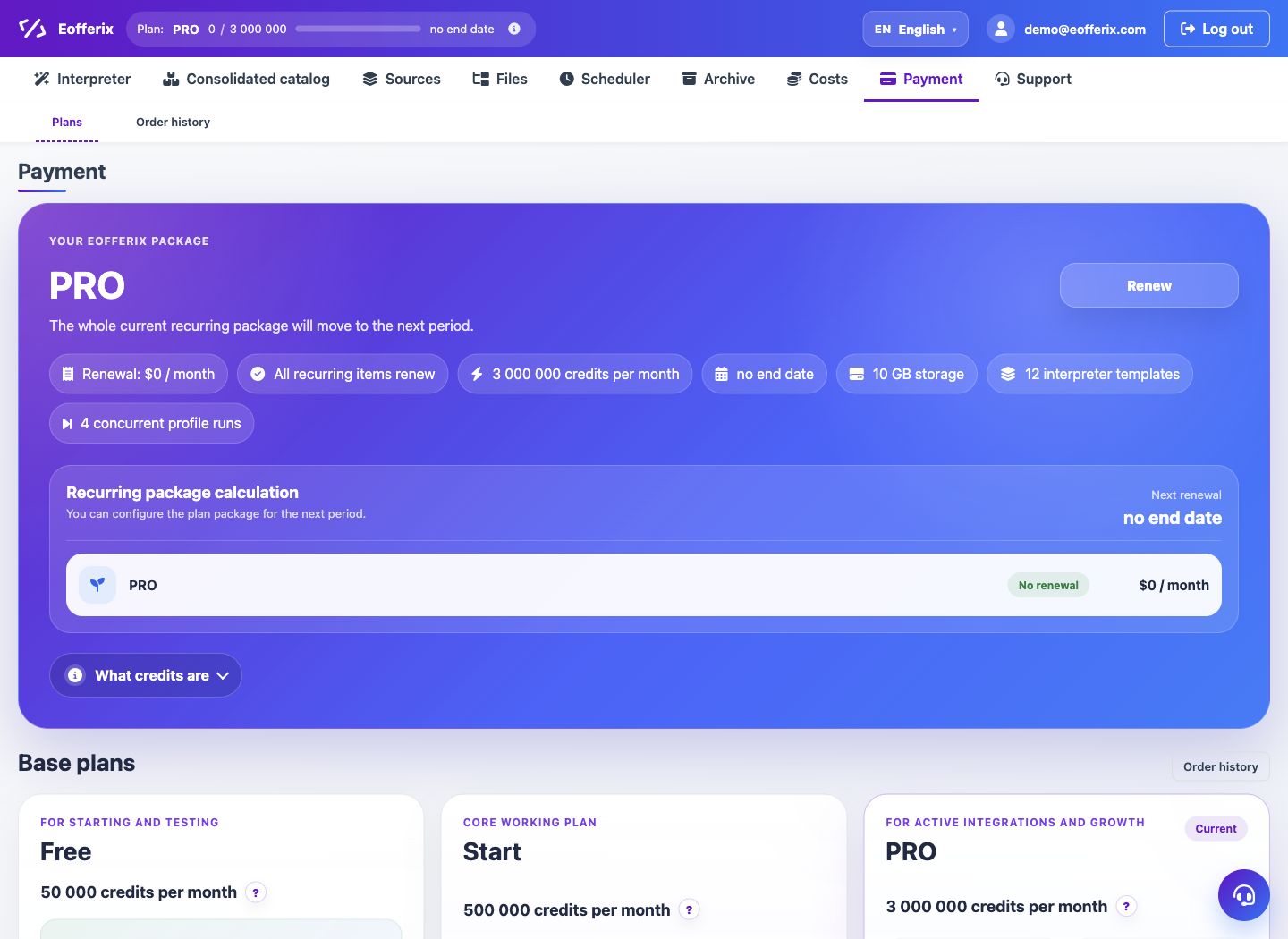
A personal computing server replaces the basic plan and assigns separate processing power to the account. On the payment page, the server is selected by the number of nodes.
When to use
Use a personal server if regular conversions require separate computing power and removal of credit limits.
Setting procedure
- Open Payment and additional options block.
- Select a personal server for the required number of nodes.
- Place your order and wait for the resource to be assigned.
- Check the Server section in your account.
- Launch heavy profiles after the server is ready.
What to check
- The server is active and is not in a grace period after non-payment.
- The number of assigned nodes corresponds to the order.
- Profiles are launched on the desired computing circuit.
Notes
- You can connect several servers, the cost is calculated separately.
- If the server is not renewed, access may go into a grace period or be blocked according to billing rules.