
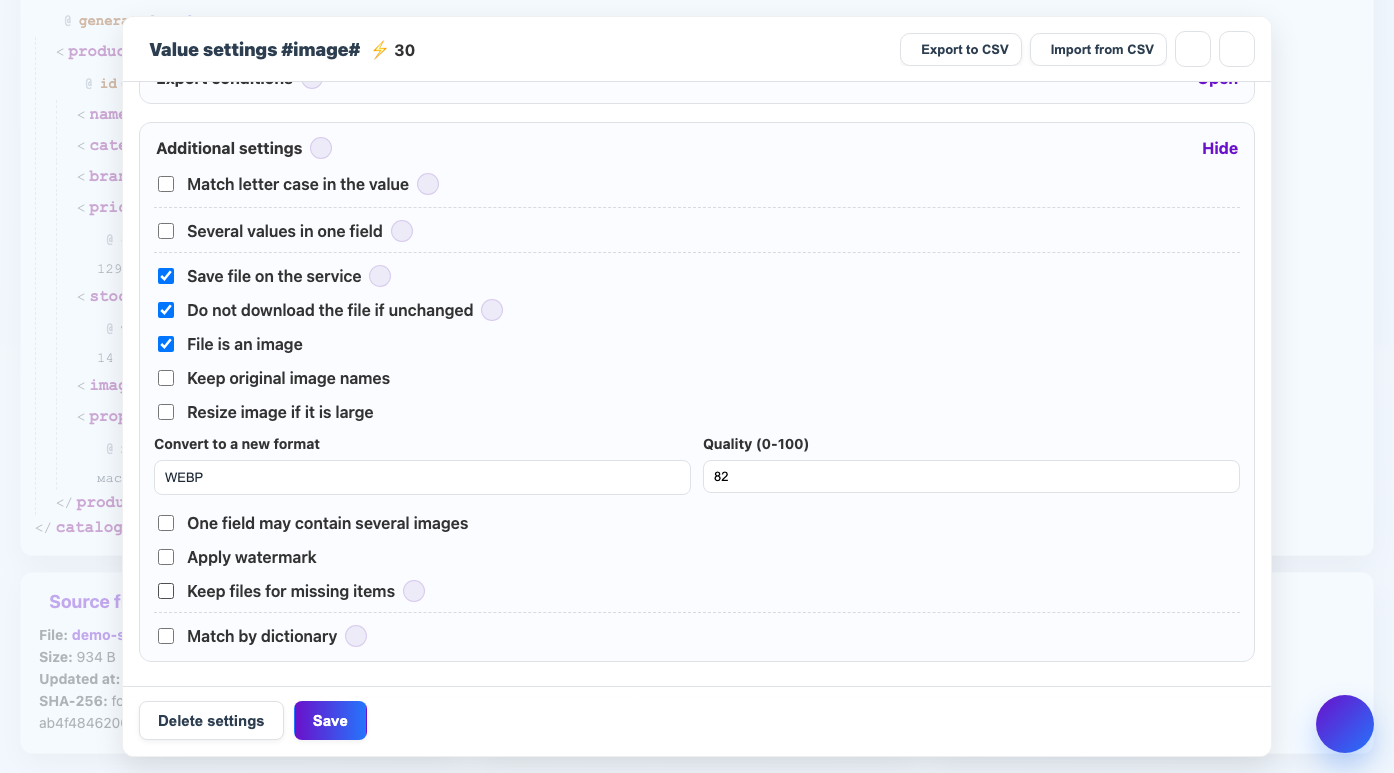
Conversion changes the image format to suit the requirements of the site, marketplace or internal catalog.
When to use
WEBP is suitable for light web images, PNG for transparency, JPG for regular photos.
How to set up
- Turn on picture mode.
- Select the target format.
- Specify the quality if you select a format with a quality setting.
- Check transparency if the source is PNG or WEBP.
- Do a test on different types of images.
What will happen
The resulting field will contain a link to the image in the selected format.
What is important to remember
- JPG does not preserve transparency.
- WEBP is usually easier, but check if the recipient supports it.