
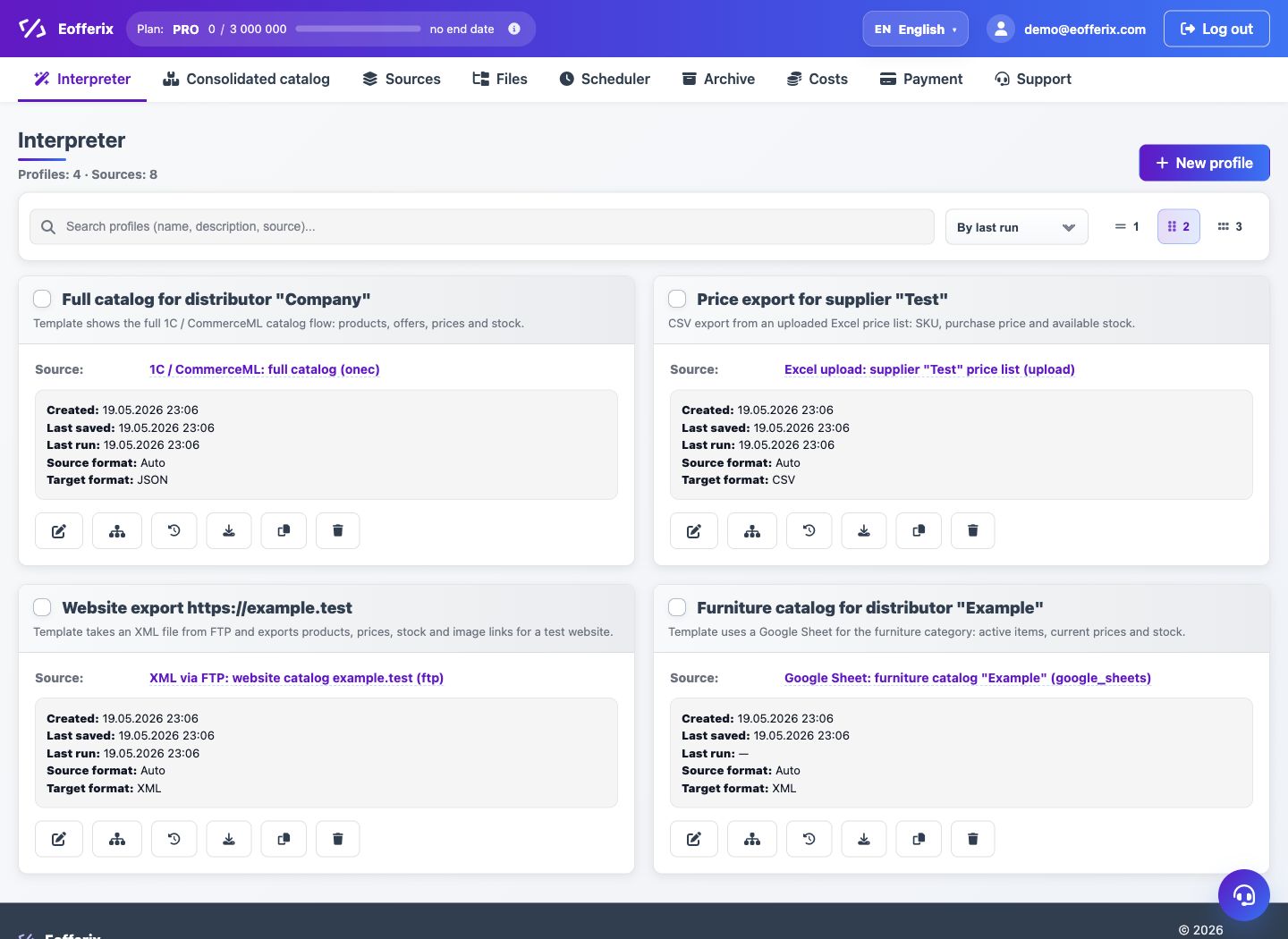
The profile links the source, result template, structure editor, rules, schedule and result delivery.
When to use
Use a profile to describe how input data is turned into output or loaded into a catalog.
Setting procedure
- Open Interpreter and click New Profile.
- Enter your profile name.
- Select a source: upload a new file, select an existing one, or take data from the union catalog.
- Select an interpretation template and result format.
- Go to the editor of the selected format and configure the structure.
- Save the profile and perform a test run.
What to check
- The profile has a source selected.
- The result pattern matches the desired channel.
- The editor opens without waiting for the source to be prepared.
Notes
- The profile can be archived and restored later.
- To upload to a union catalog, the profile has separate catalog settings.