
The Upload from Computer module saves the file as a source and allows you to reuse it in one or more profiles.
When to use
Use manual download when the file arrives irregularly or needs to be checked manually first.
Setting procedure
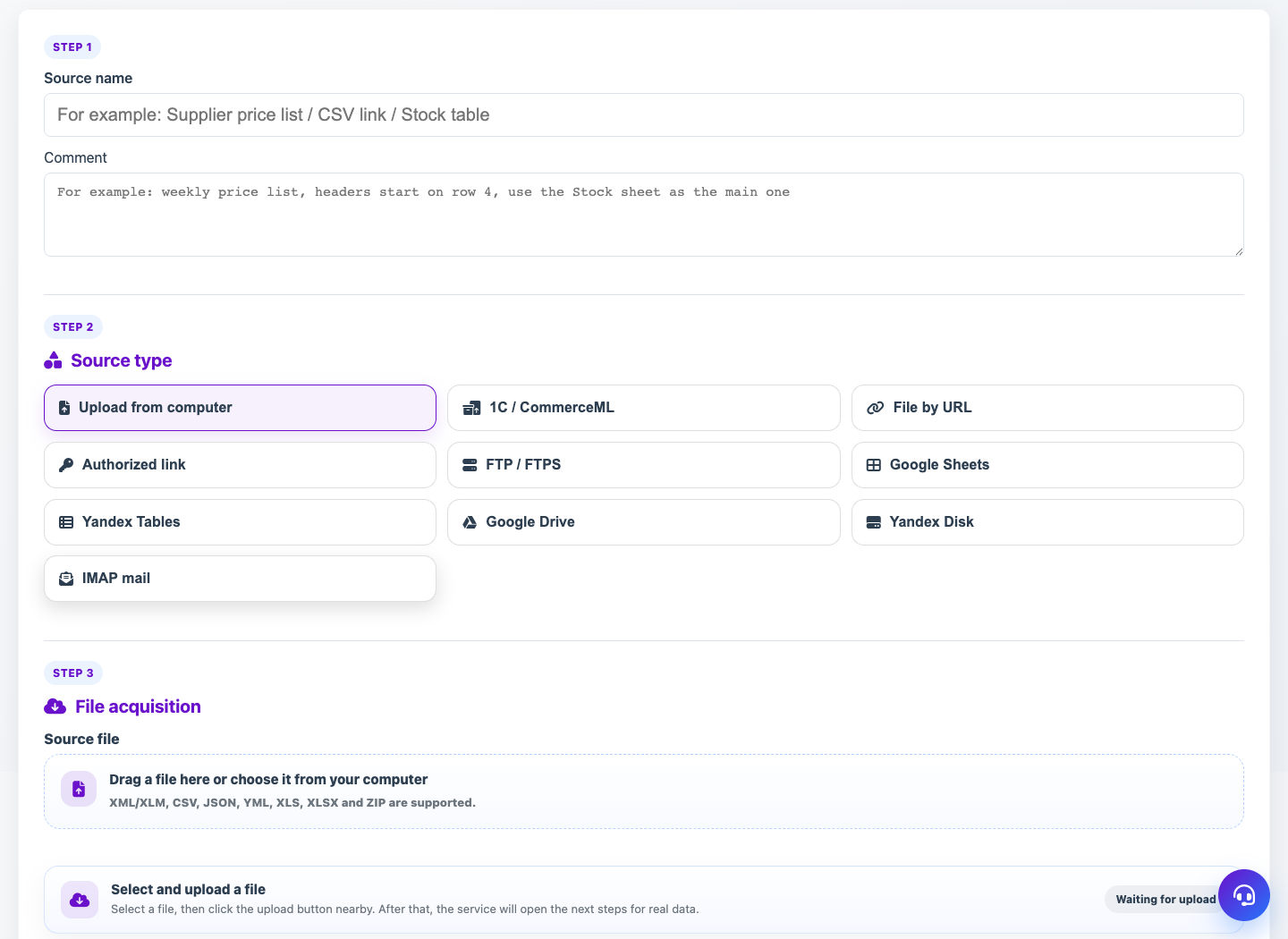
- Open Sources and click New Source.
- Select the type Upload from computer.
- Provide a clear title and, if necessary, a comment.
- In the Receive file section, drag the file or select it on your computer.
- For a table file, check the layout of sheets and header rows.
- Save the source.
What to check
- The file is indeed a supported format.
- If it is a table, the correct row is selected as the header.
- The source received the latest version of the file without an error.
Notes
- The manual source can be updated with the new file later.
- The number of stored versions is set in the general settings of the source.