
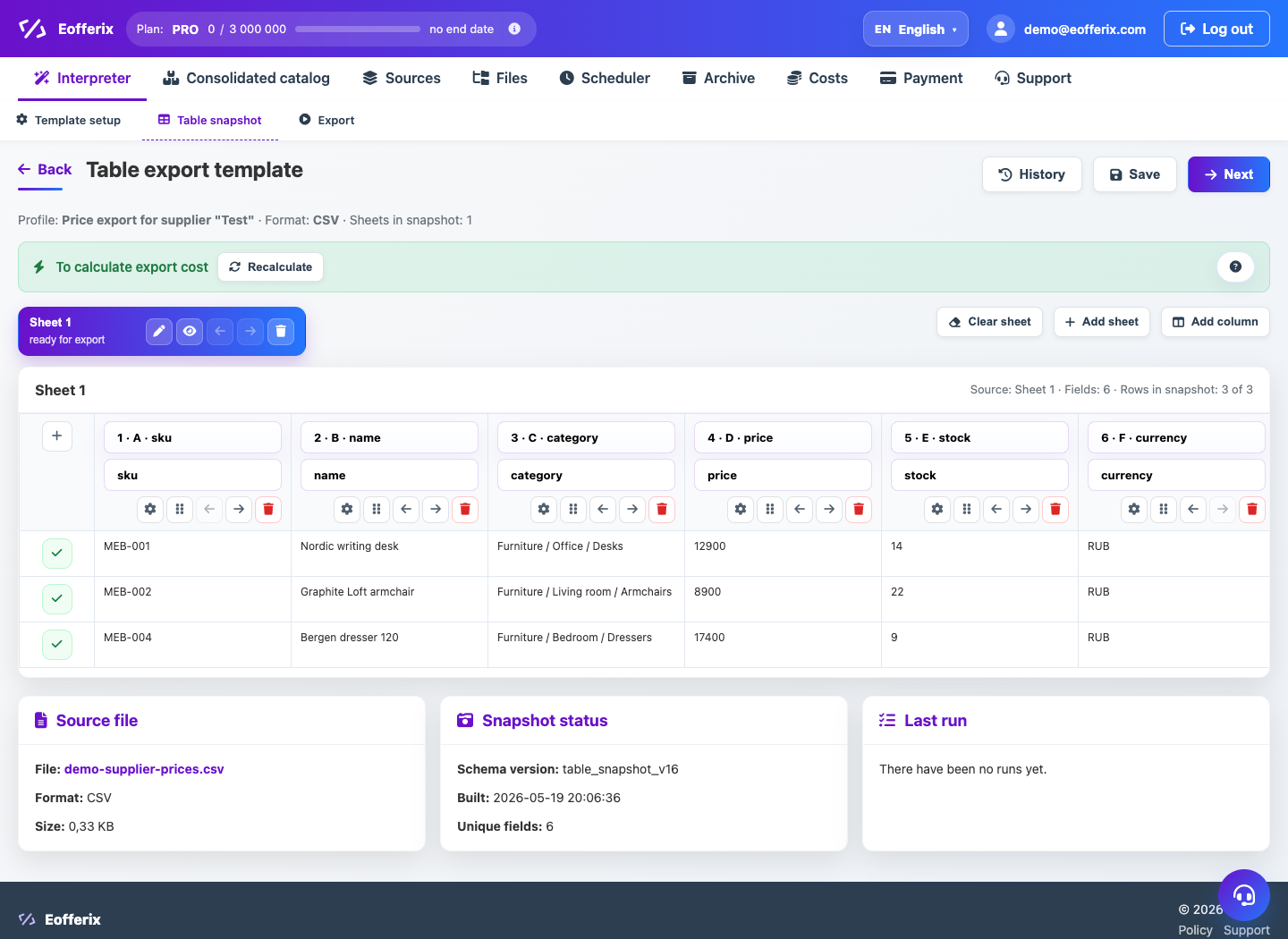
Table price lists are convenient for prices, stock and simple attributes, but the sheet, header row and service rows must be detected correctly first.
Setup order
- Upload CSV/XLSX or connect a source that updates the file regularly.
- In the table snapshot, choose the sheet and header row.
- If the supplier has a cover header, skip service rows.
- Map SKU, name, price, stock, brand and category.
- For images, select the column with links and the separator if several links are stored in one cell.
- Check the demo result: numbers, encoding, empty rows and required fields.
If there are several sheets
You can use one sheet as the main sheet or merge sheets when the supplier splits categories by tabs. Keep field headers clear and consistent.