
An exchange rate is used as a system value in a template. You can insert it into a transformation rule, price formula, or service cell so the result is recalculated when the profile runs.
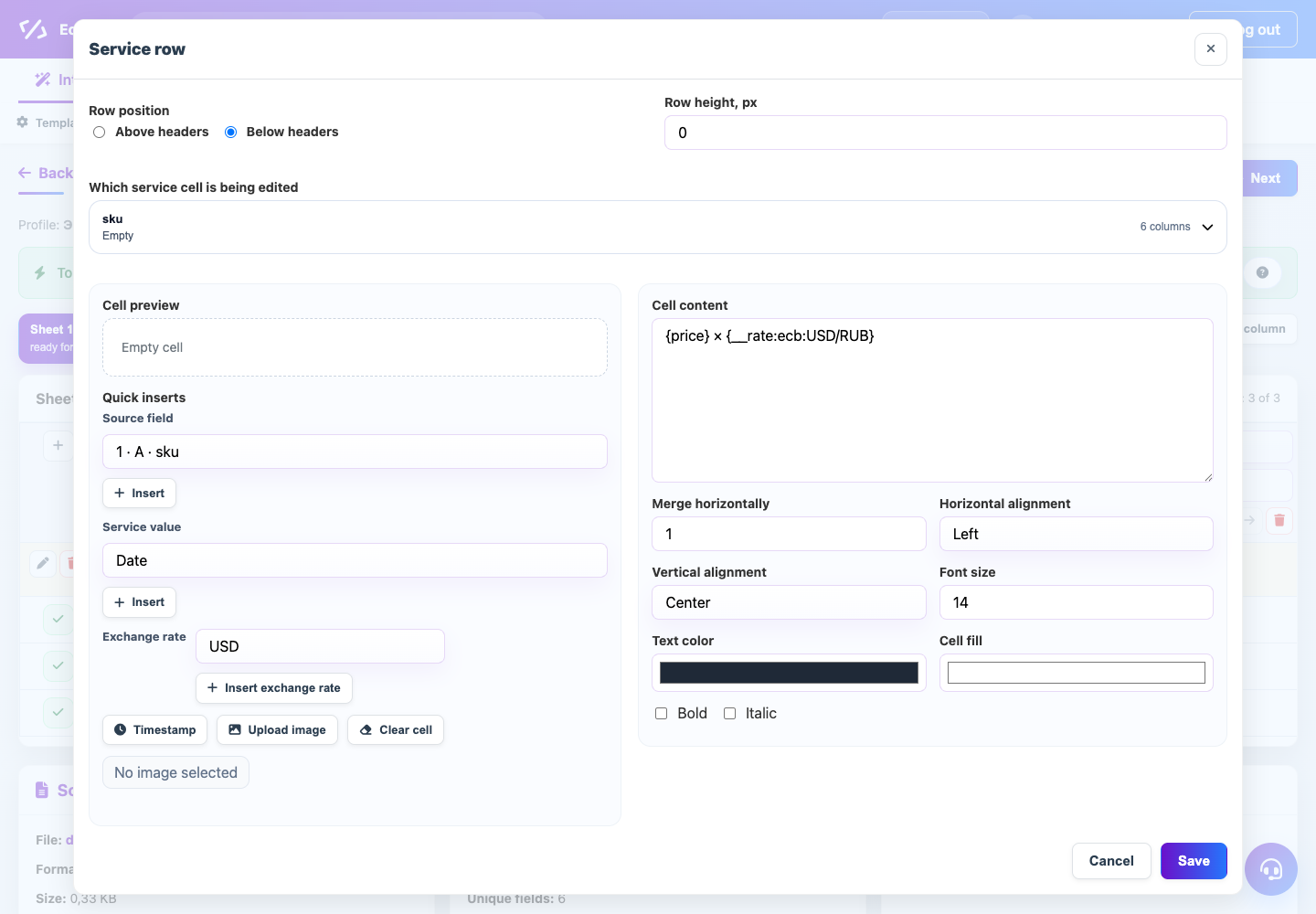
Where it is used
- In XML and JSON, the rate helper opens from the value picker in rules and conditions.
- In tables, a rate can be inserted into service rows and used next to source fields.
- In price calculations, the rate is usually combined with multiply, divide, add percent, and rounding actions.
What to choose
Select the rate source, the source price currency, and the result currency. For example, a supplier price in USD can be multiplied by the USD/RUB rate and then rounded by a template rule.
If the result depends on a rate, always check a demo run and logs. This confirms that the rate token was recognized and applied to the correct field.