
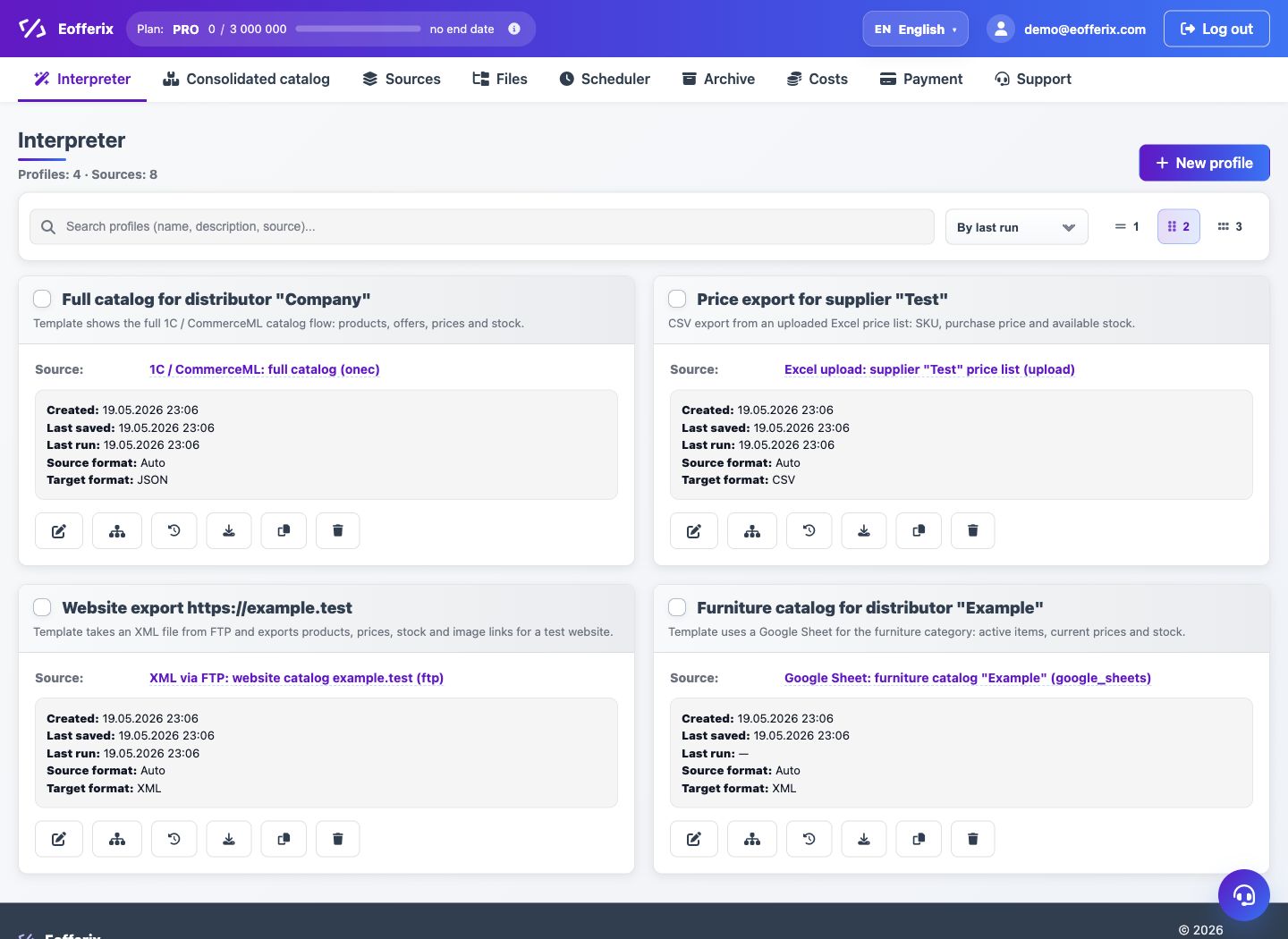
The main navigation of the account separates data setup, processing and account maintenance. This helps avoid mixing sources, profiles, files and rates.
When to use
Use the article to quickly understand where to perform each operation.
Setting procedure
- In the Interpreter, create transformation profiles and run processing.
- In Sources, connect files, links, mail, tables, clouds and 1C.
- In the Union Catalog, look at products, offers, sections, properties, prices and balances.
- In the Scheduler, control the schedules of sources and profiles.
- In Files, check the occupied space and saved sources/results.
- In Payment, manage your tariff, additional options and order history.
What to check
- Sources are created in the Sources section, not in Files.
- The profile is responsible for the result, and the source is responsible for receiving the input data.
Notes
- The profile archive is needed to restore or permanently delete profiles.
- The Union Catalog section has a separate interface because it works with the product database.