
Date and time are used in two template tasks: insert the current run time, or convert a source date to the required result format.
Current date and time
The current date system value is useful for service rows, export labels, file versions, and fields such as updated_at. The value is calculated when the profile runs.
Formatting a source date
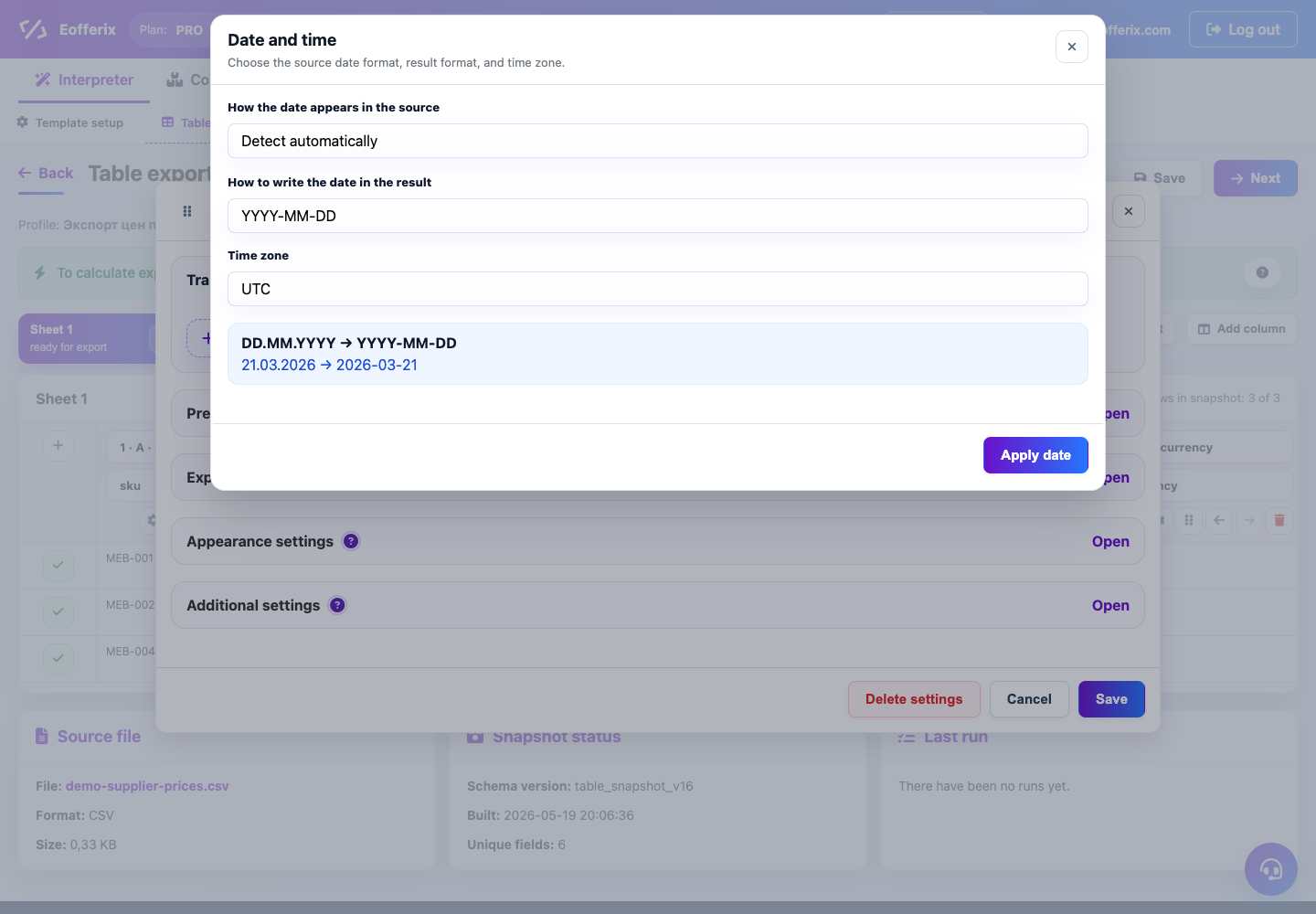
In the helper, choose how the date appears in the source, how it should be written in the result, and which time zone to use. For example, 21.03.2026 can become 2026-03-21 or an ISO format for an API.
What to check
- Make sure the input format matches the supplier’s real data.
- If the source stores time without a time zone, choose the needed time zone explicitly.
- Check preview and a demo run before the full export.