
Sometimes a field needs to be temporarily removed from the result, but all its rules must be retained for the future.
When to use
This is useful when testing, changing recipient requirements, or temporarily disabling a field that will be needed again later.
How to set up
- Open your profile editor.
- Find the result field.
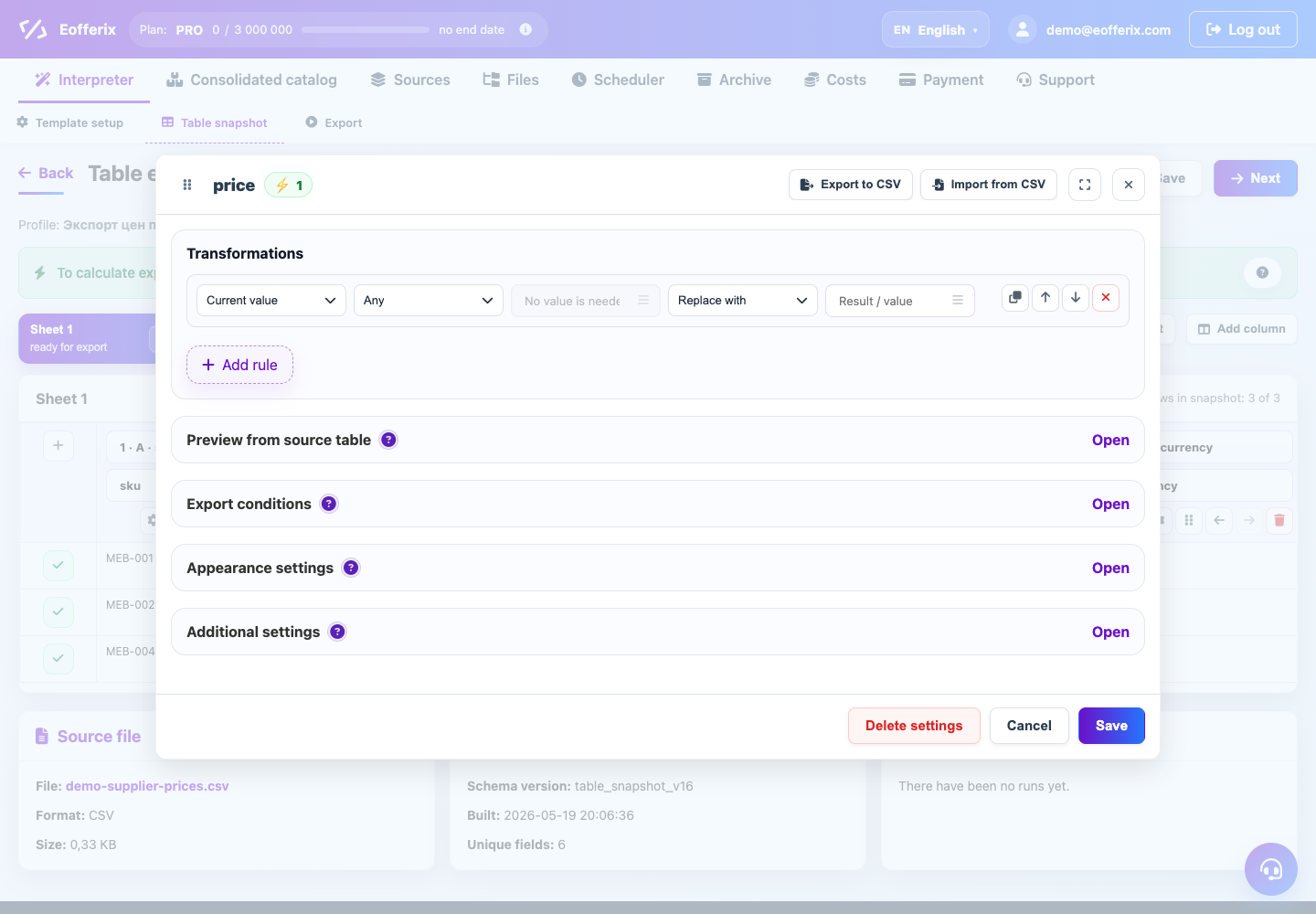
- Disable field unloading or set a condition under which the field will not be included in the result.
- Do not remove transformations and bindings if they are still needed.
- Do a test run and make sure that the field only disappears from the result.
What will happen
The field will not be unloaded, but its configuration can be quickly returned without reassembling the rules.
What is important to remember
- Deleting a field and disabling a field are different actions.
- If the field is used in other calculations, check the dependent values.