
What this page does
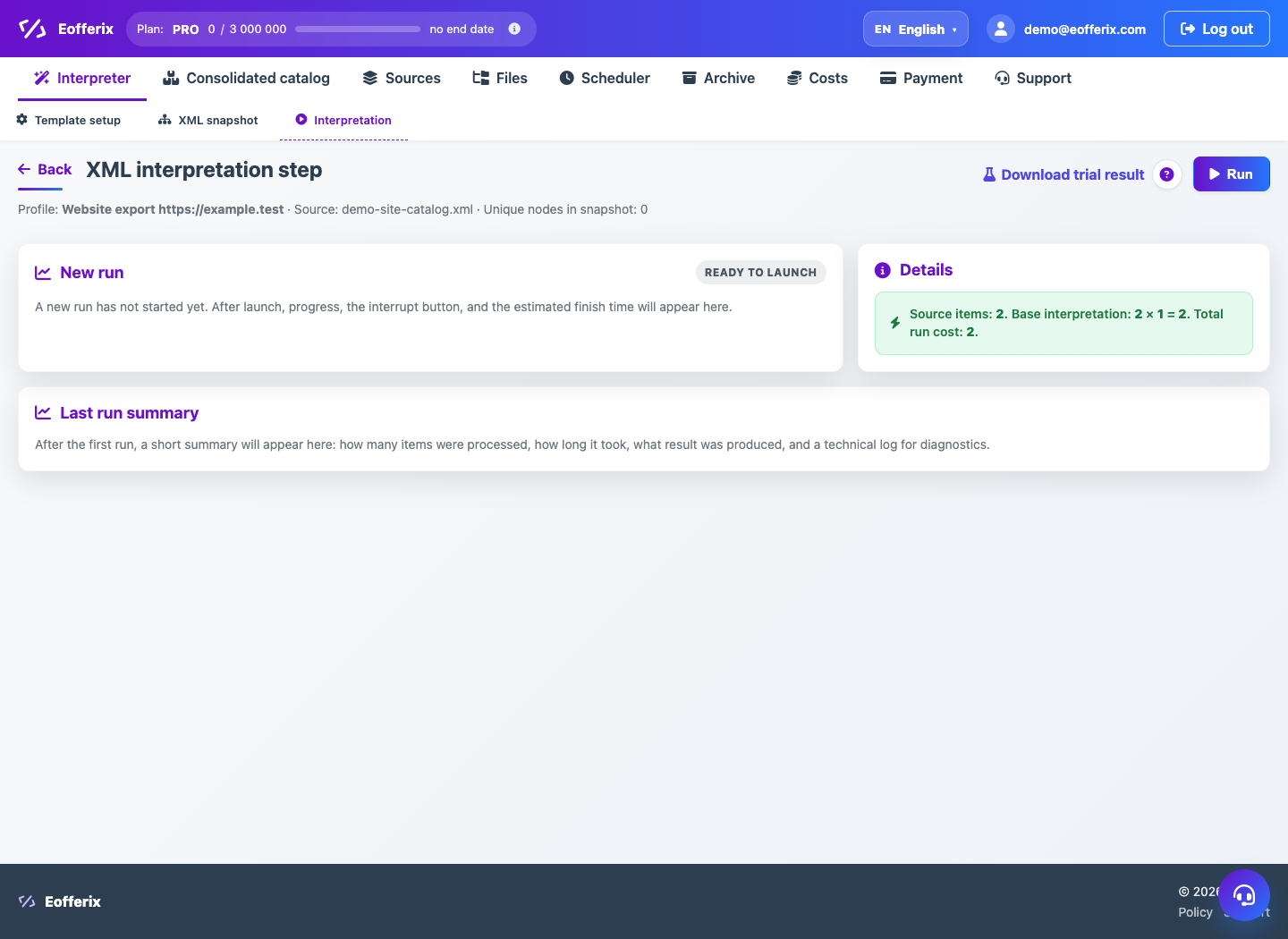
After a profile run, Eofferix stores the result and run metadata. On the interpretation page you can download the file, open previous runs and inspect the log.
How to use it
- Open the profile and go to Interpretation.
- Find the latest successful run or a specific run in history.
- Click Download result if a file was created.
- Open the log to inspect warnings or errors.
- Change rules and rerun when needed.
Expected result
- The output file is downloaded from storage.
- History helps compare several runs.
- The log shows technical messages and rule errors.
Common issues
- The link can expire if the file was deleted by retention rules.
- Canceled runs may not have output files.
- If storage limit is exceeded, clean files or buy more storage.