
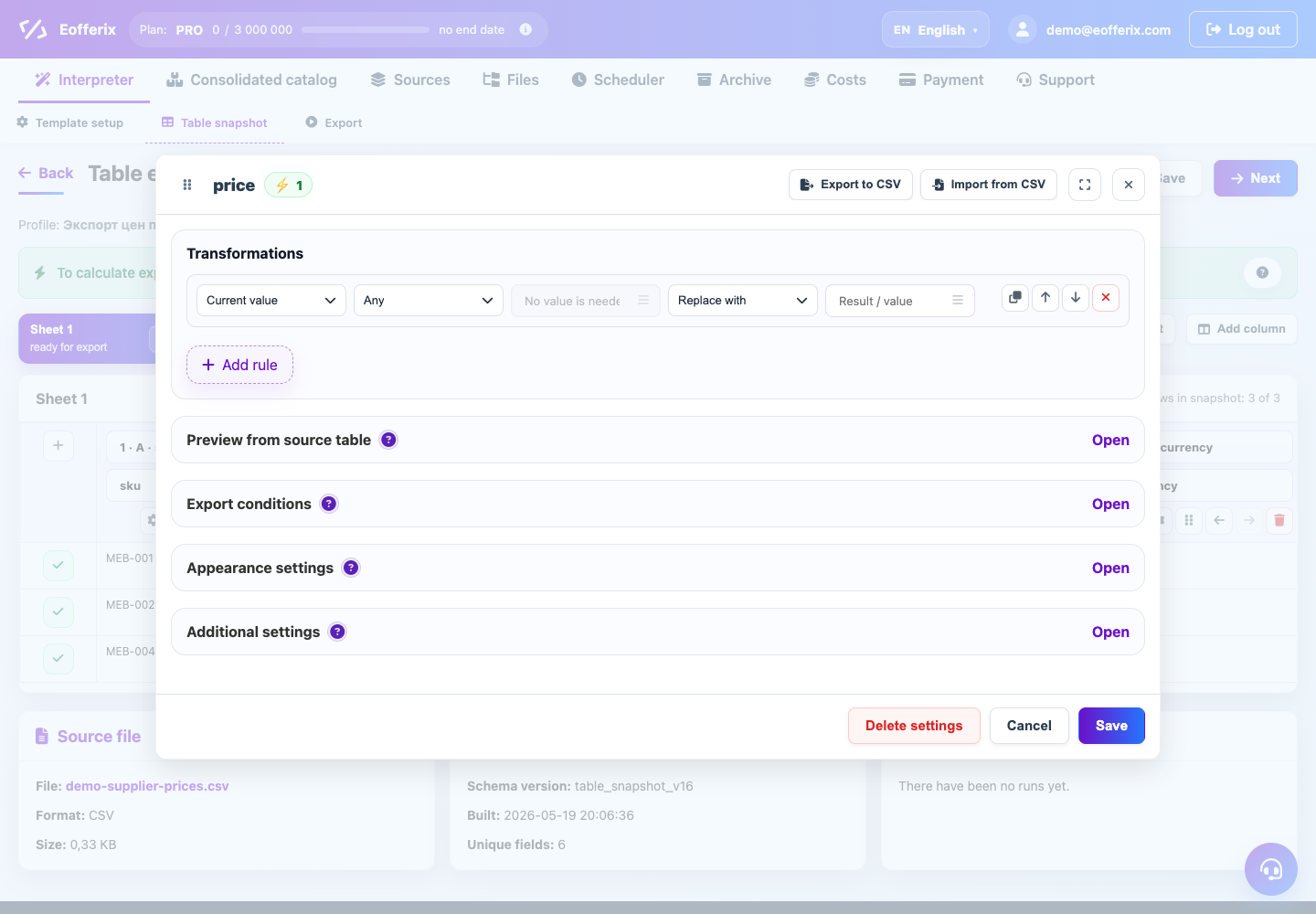
In the rules, signs of duplicates and the NOT_LOAD action are available. They help exclude invalid rows or values by condition.
When to use
Use these settings if the source contains duplicates or lines that cannot be downloaded.
Setting procedure
- Identify the field that is causing the duplicate or unwanted value.
- Add a condition or rule to the desired field/row.
- Use a duplicate attribute or an explicit value comparison.
- Select the Do not download action for the exception.
- Check the number of elements before and after the rule in the preview.
What to check
- The rule excludes only the necessary elements.
- Duplicates are detected at the correct structure level.
- Required result fields are not violated after the exception.
Notes
- It’s better not to download, but to test it in preview first.
- If you just need to clear a value, use replace or trim rather than exception.