
What this page does
An email source connects to a mailbox over IMAP and takes an attachment from a message. It is useful when suppliers send price lists by email.
How to use it
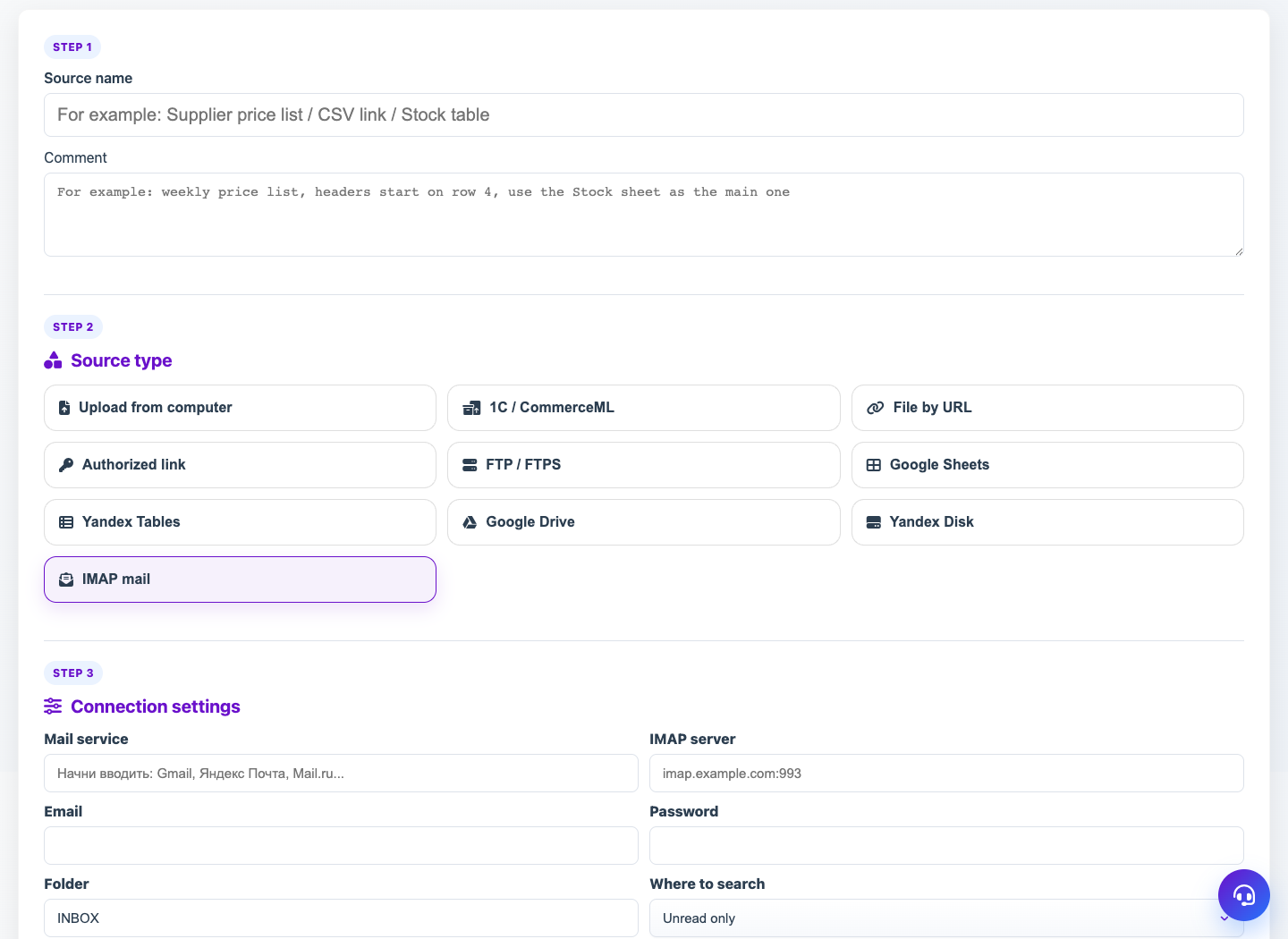
- Choose Email / IMAP module.
- Set provider or IMAP host, email and app password.
- Choose mailbox folder and message filter if needed.
- Configure attachment mask to select the right file.
- Check access and receive the latest matching attachment.
Expected result
- Eofferix stores the attachment as the source working file.
- The source can refresh manually or by schedule.
- Filters prevent old or irrelevant messages from being used.
Common issues
- Gmail, Outlook and iCloud often require app passwords.
- IMAP must be enabled in the mailbox.
- A wide attachment mask may select the wrong file.