
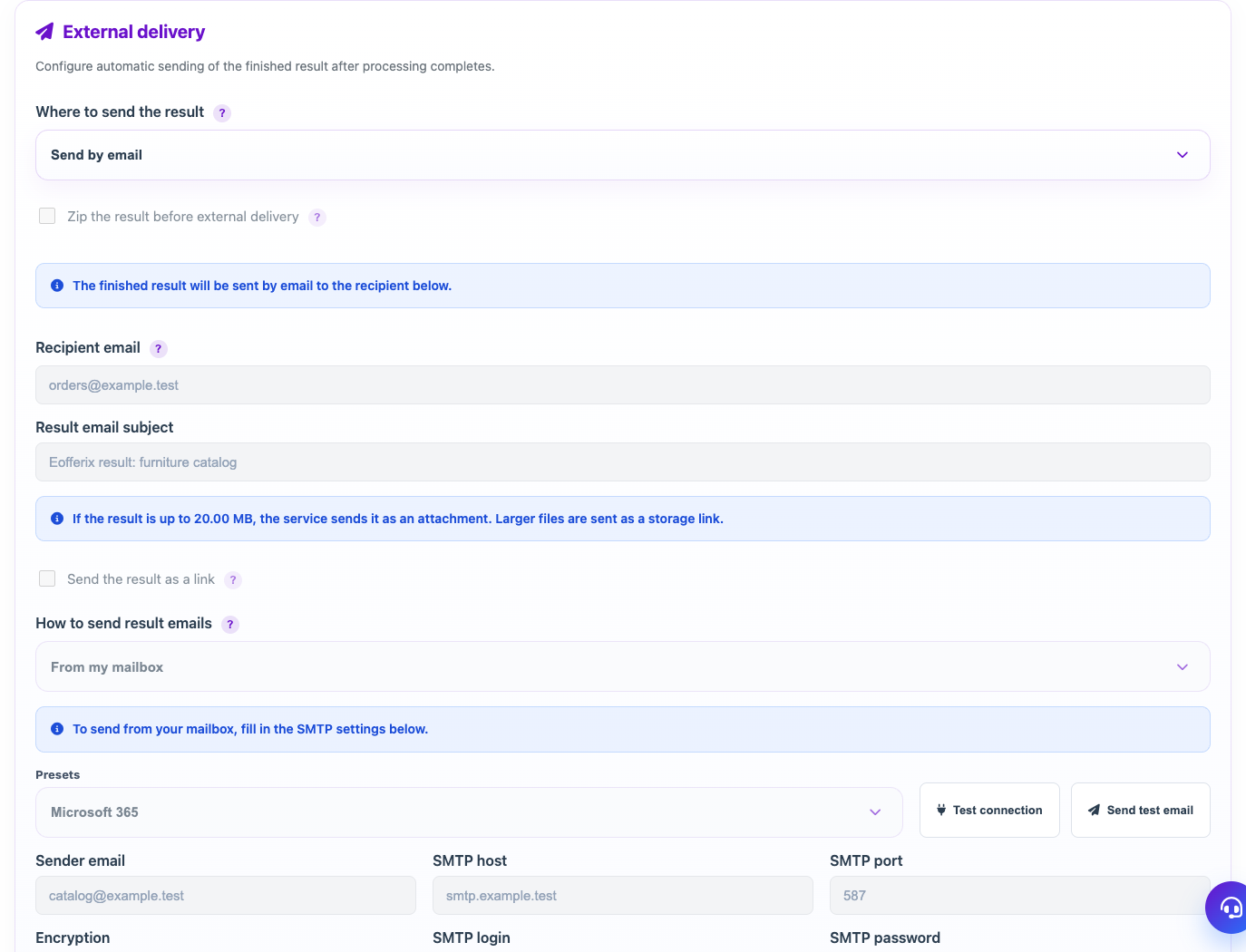
External delivery is configured in the profile and refers to the finished result. For the union catalog and Wildberries API, the delivery interface differs from regular file profiles.
When to use
Use delivery if the result should automatically go to the recipient after the profile is completed.
Setting procedure
- Open the profile and the External upload block.
- Select a delivery channel or Do Not Send.
- Fill in the fields for the selected channel.
- If necessary, enable ZIP archiving before submitting.
- Save the profile and perform a test run.
- Check that the result is received on the channel side.
What to check
- The delivery channel is selected according to the recipient's requirements.
- The result format matches the file or link extension.
- Test sending does not create duplicates in the production system.
Notes
- Delivery of the result does not replace the storage of the version in Eofferix.
- For large files, email can be replaced with a link to storage.