
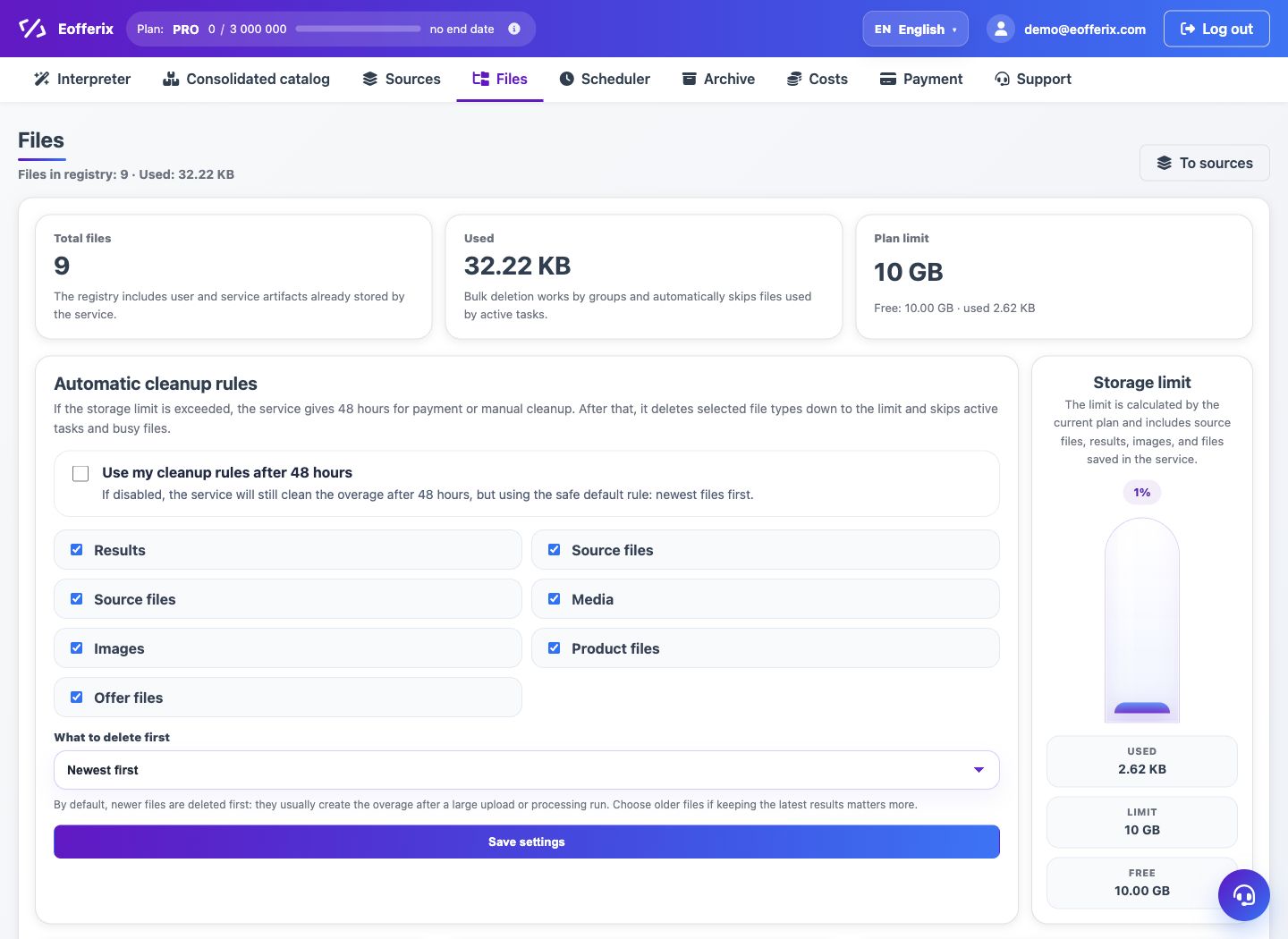
The Files section shows the account file registry, total size and storage groups. This helps control tariff limits.
When to use
Use the Files section to understand what is taking up space: sources, results, media or service files.
Setting procedure
- Open the Files section.
- See the total number of files and occupied space.
- Check file groups: sources, results, media and other types.
- If space is running out, reduce the number of source and result versions.
- If necessary, go to payment for storage expansion.
What to check
- Large files are assigned to the desired sources or profiles.
- Retention policies do not keep extra versions.
- Media files are counted in the total volume.
Notes
- Deleting a file may affect the ability to download the old result.
- Storage is expandable with a separate option or tariff.