
What this page does
An FTP/FTPS source receives a file from a supplier server. It is useful when a supplier regularly uploads a price list or catalog to one folder.
How to use it
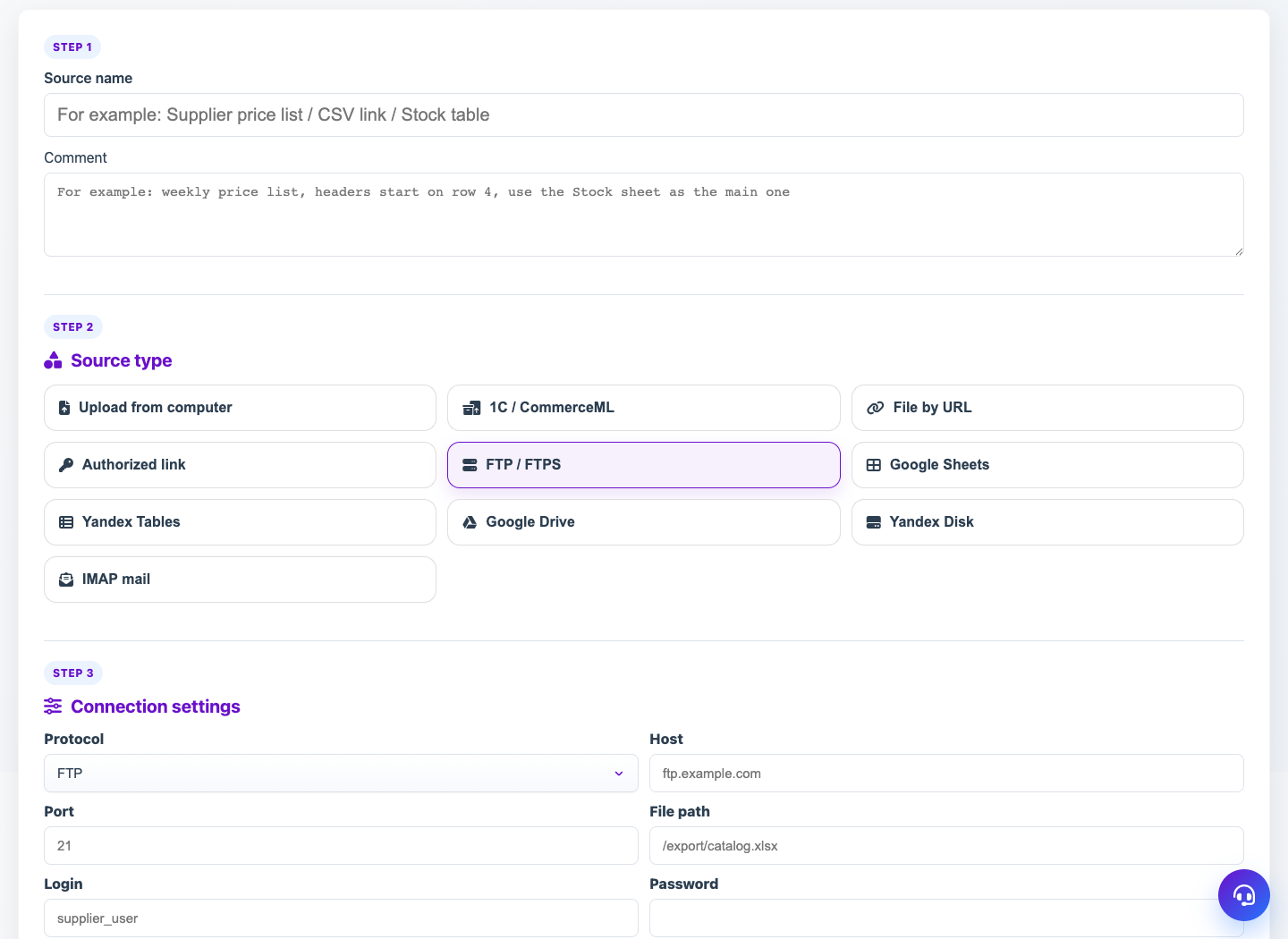
- Choose FTP / FTPS module.
- Set protocol, host, port and file or folder path.
- Enter login and password unless the server is anonymous.
- Use a file mask if the name changes by date.
- Check access and receive the file.
Expected result
- Eofferix finds the FTP/FTPS file and stores it as a source.
- Regular intake can be scheduled.
- With a correct mask, the latest file is selected.
Common issues
- SFTP and FTPS are different protocols; this module works with FTP/FTPS.
- Passive mode and supplier firewall often affect connection.
- File mask must match real filenames in the folder.