
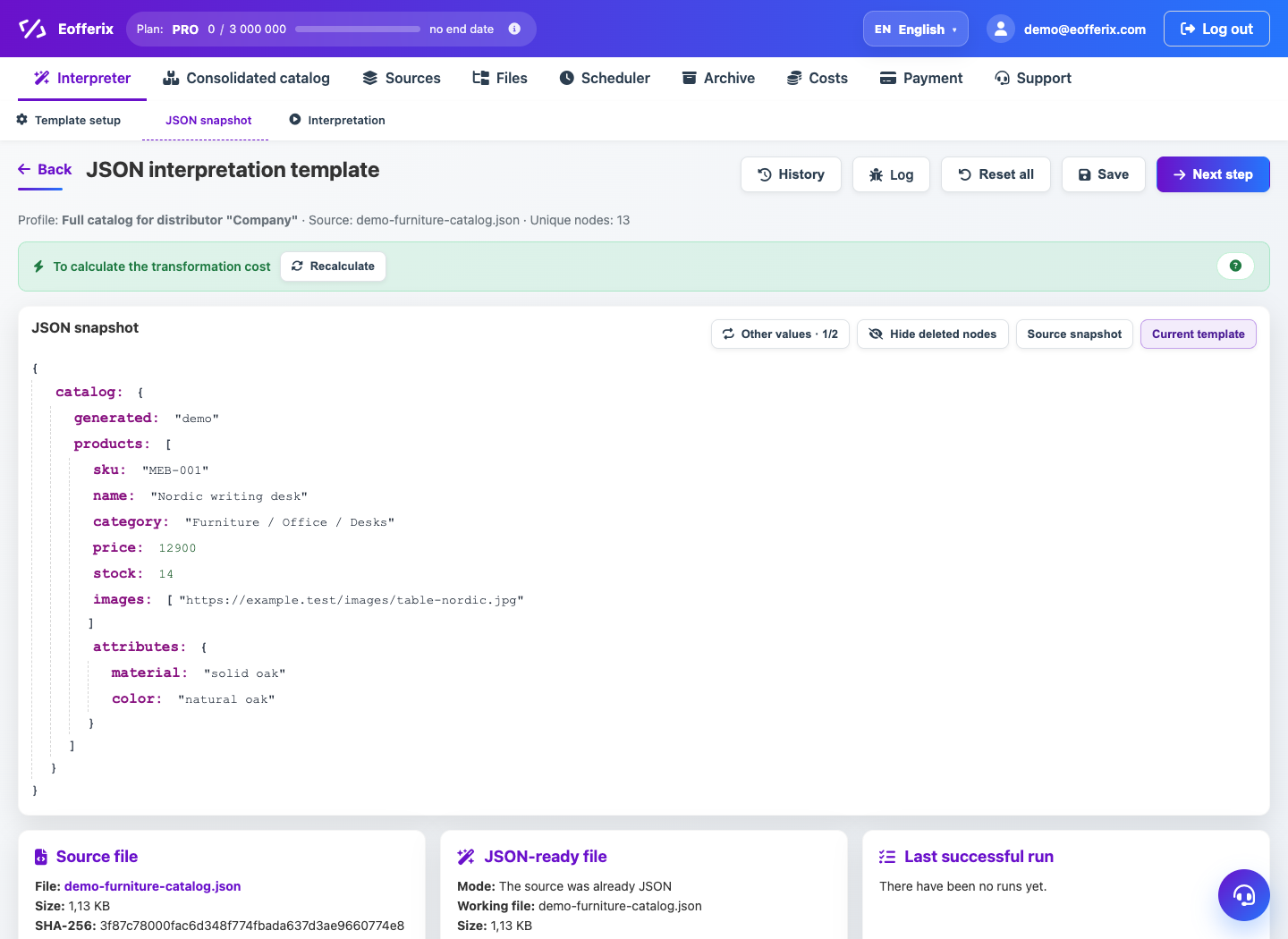
JSON and XML editors support duplicate elements, grouping by key, and nested arrays.
When to use
Use grouping when you need to collect products with variants, sections, or aggregated structures from source lines.
Setting procedure
- Define a source list that repeats.
- Select a grouping key field, such as product SKU or external code.
- Set up the result structure: a common object and a nested list of clauses or properties.
- Check which fields are taken from the group representative and which from the members.
- Run previews on multiple groups.
What to check
- The grouping key is stable and not empty.
- The nested array contains all the required elements.
- Random different products are not combined into one group.
Notes
- Grouping increases processing complexity and can affect costs.
- For a simple CSV without nesting, grouping is usually not needed.