
If a vendor sends an image URL, Eofferix can download the file, process it, and replace the link with a new public link for the result.
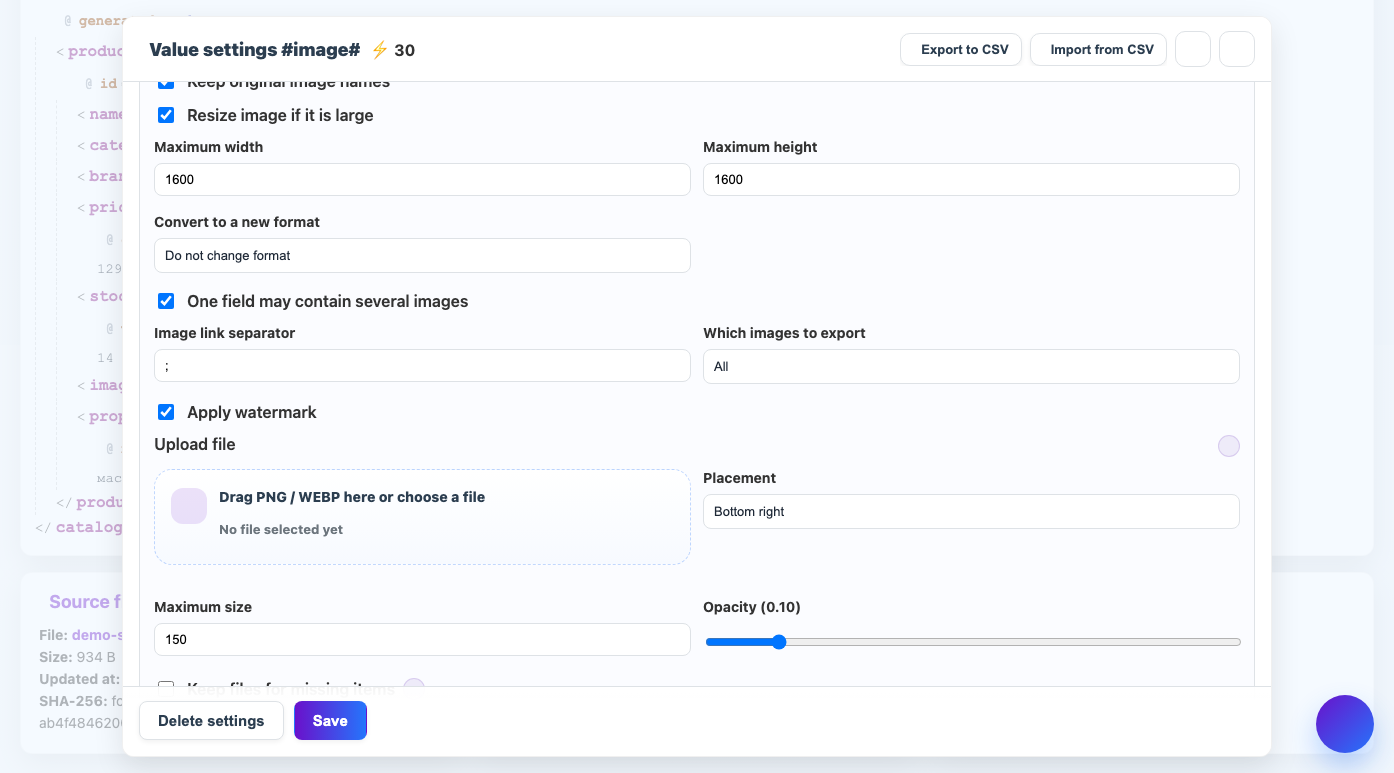
When to use
This is necessary for catalogs, marketplaces and a union catalogue, where images must be stored stably and in the required format.
How to set up
- Open the field settings with the link.
- Turn on the mode "The file is an image".
- Choose whether to save the file to the service.
- Adjust the conversion, size and watermark if necessary.
- Check the result on several links.
What will happen
In the final file, the link will lead to the processed image saved in the Eofferix storage.
What is important to remember
- The link must be available to the server without manual login.
- Large images take up storage space and may cost credits.