
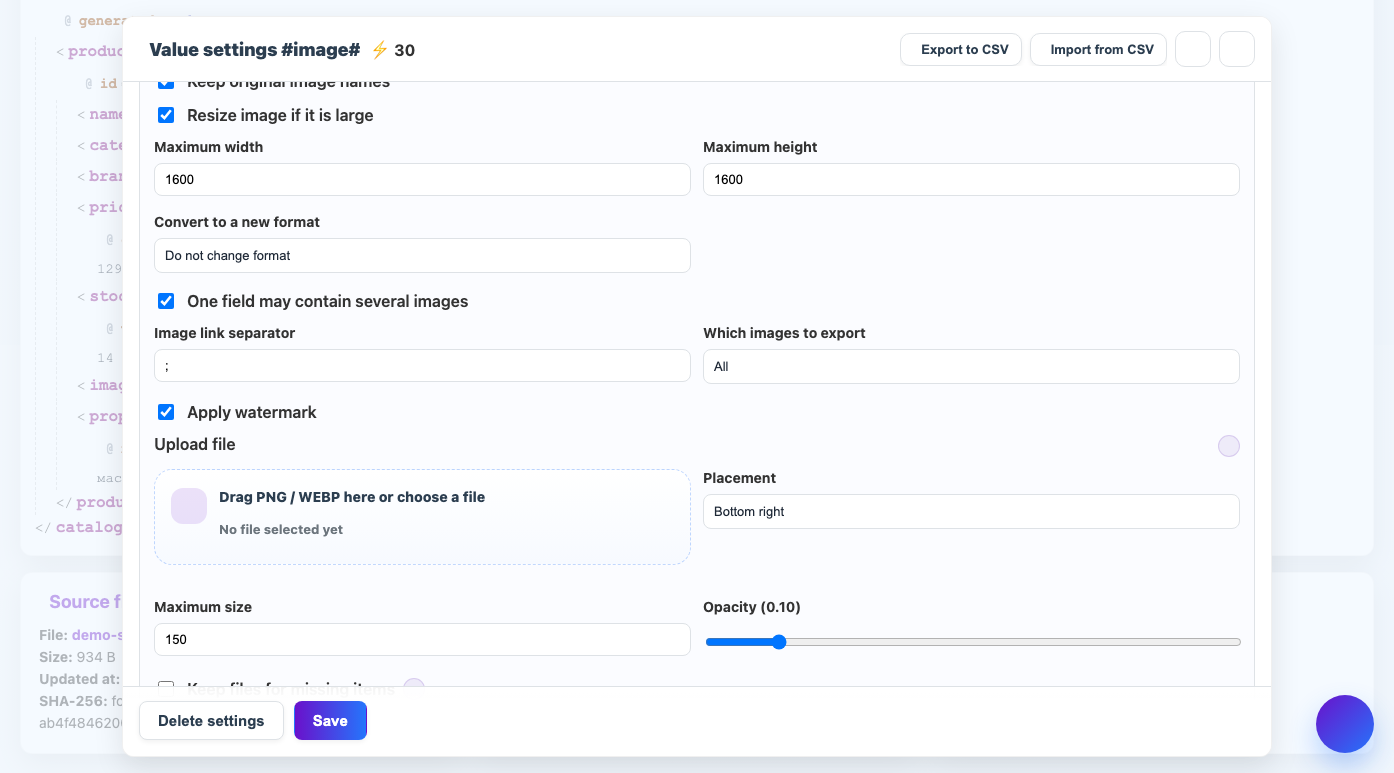
The separator shows the service where one image link ends and the next one begins.
When to use
The setting is needed if several URLs are stored in one field: separated by ;, comma, space, line break or other character.
How to set up
- Look how the links are written in the source.
- Choose a delimiter that does not appear within the URL itself.
- Specify it in the field settings.
- Enable clearing whitespace around links.
- Check the result on a product with one or more pictures.
What will happen
The service will correctly separate the links and process each image separately.
What is important to remember
- Question marks, ampersands, and equals are common in URLs—don't use them as separators.
- If the supplier changes the delimiter, update the field setting.