
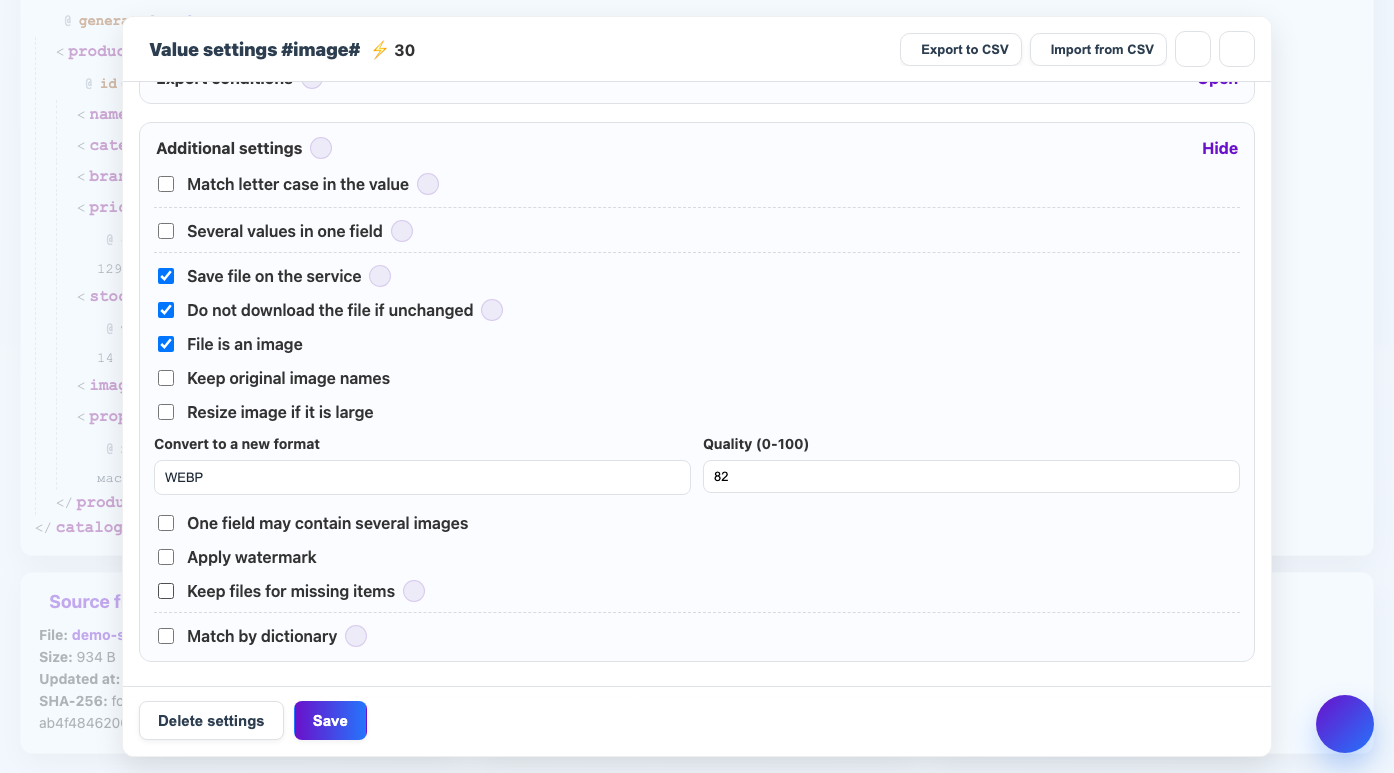
Quality affects the weight of the file and the visual clarity of the image.
When to use
The setting is important for JPG and WEBP when you need to find a balance between file size and product card quality.
How to set up
- Select the result format.
- Specify quality from 0 to 100.
- Start with a moderate value, such as 80.
- Compare the final weight and appearance.
- For important products, check the image in the recipient interface.
What will happen
The files will be lighter or higher quality depending on the value selected.
What is important to remember
- Quality 100 is not always noticeably better, but the file can become much heavier.
- Quality works differently for PNG than for JPG/WEBP.