
What this page does
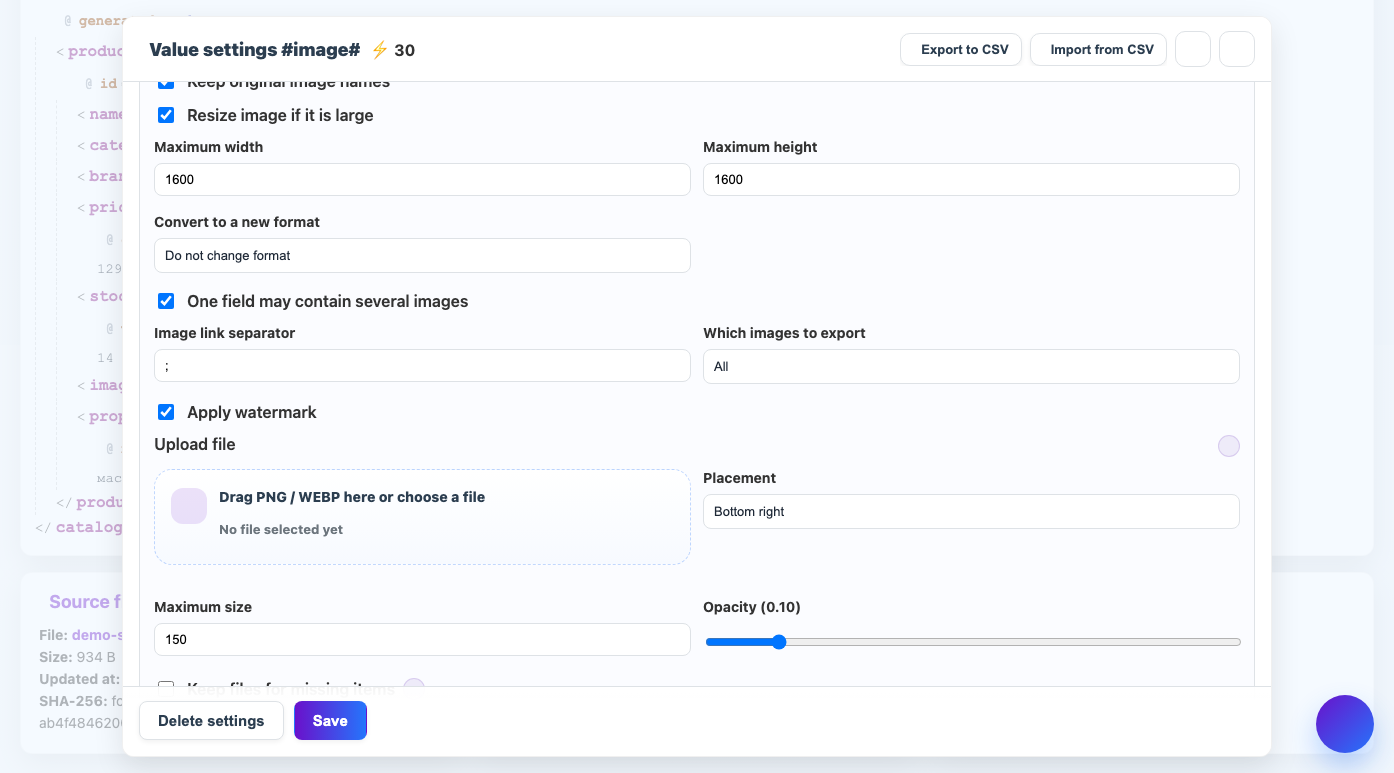
Eofferix can pass media links and prepare images before export. This is useful for marketplaces, websites and catalogs with strict size, format and order requirements.
How to use it
- Select an image or file field in the template.
- Map it to a column, XML node or JSON field.
- Set separator if one field contains several links.
- Enable resize, format conversion or watermark if needed.
- Check demo result and image processing cost.
Expected result
- The result contains correct links or prepared files.
- Multiple images keep the required order.
- Images can match target system requirements.
Common issues
- Broken source links prevent image download.
- Image processing may add credit cost.
- Check watermark and resize in demo before processing all images.