
What this page does
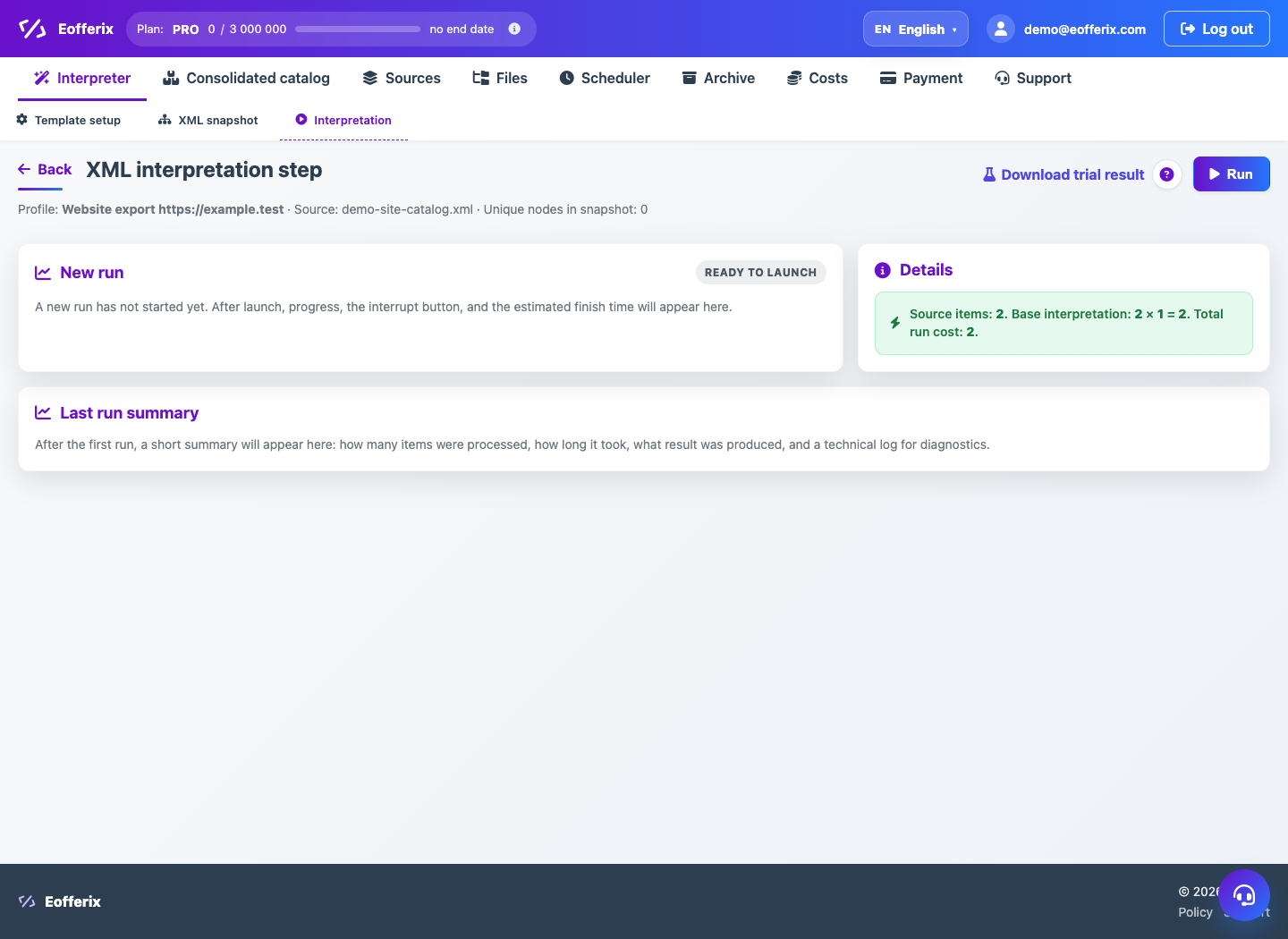
The interpretation page runs the profile on source data. It shows launch cost, demo mode, full run, queue, progress and result.
How to use it
- Open Interpretation after configuring the snapshot.
- Run demo to check first rows without a full charge.
- Check credit estimate and element count.
- Run full export or import into Unified Catalog.
- Wait for completion and open result or log.
Expected result
- The profile processes data according to rules.
- The result can be downloaded or sent to an integration.
- Run history stores status, cost and log.
Common issues
- If the job is queued, wait until processing starts.
- If credits are missing, top up balance or reduce scope.
- If the run fails, open the log and fix the rule.