
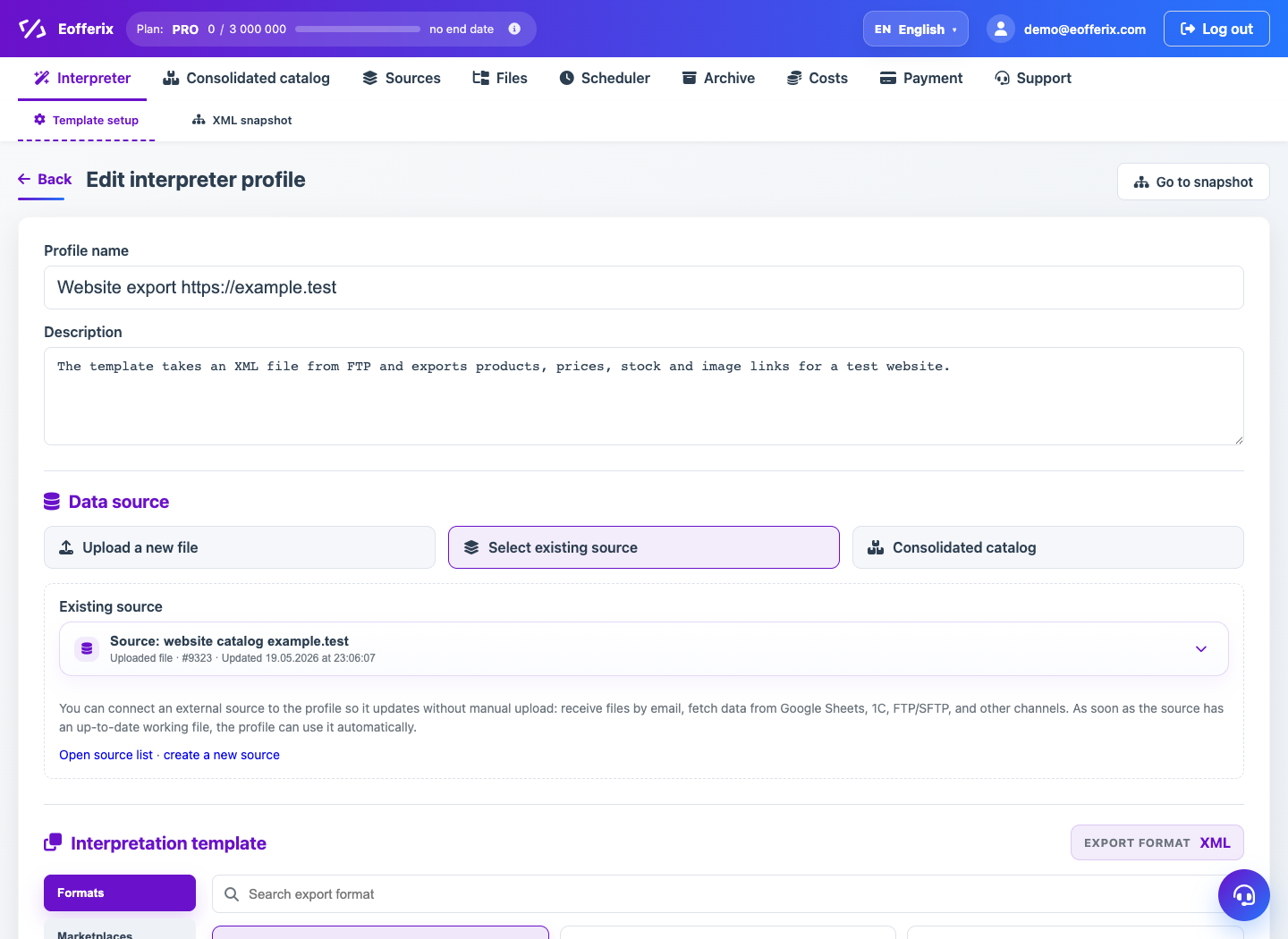
The template catalog is divided into formats, marketplaces and applications. The availability of a specific template is determined by the service and tariff.
When to use
Use the article to select a result type before setting up the editor.
Setting procedure
- In the Interpretation Template step, select the export format.
- For generic files, use XML, JSON, CSV, XLS, or XLSX.
- For marketplaces, use Ozon, Wildberries Excel or Wildberries API if you need the appropriate channel.
- To upload to PIM, select Union Catalog and XML, JSON, or Tabular interface.
- Once selected, open the editor and customize the fields.
What to check
- The result format corresponds to the recipient's requirements.
- For Ozon and Wildberries, the current template file is selected, if required.
- The correct download interface has been selected for the Union Catalog.
Notes
- Some templates may appear as presets but are not selectable.
- The choice of template affects the editor and external delivery of the result.