
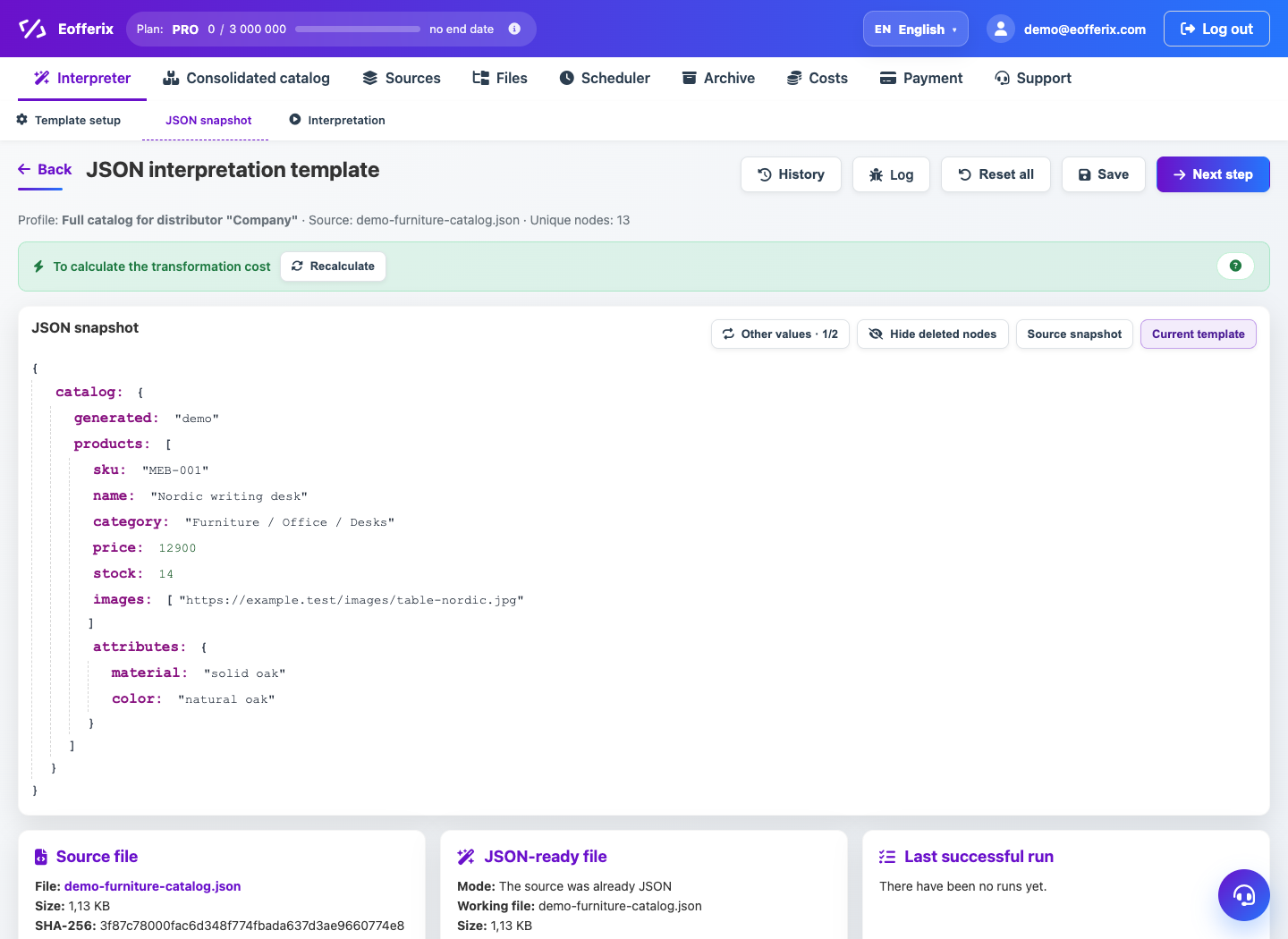
The JSON editor builds a result tree from objects, arrays, and scalar values. The source path can be associated with each node.
When to use
Use a JSON editor for APIs, CRM, internal integrations and structured exchanges.
Setting procedure
- Open the profile with the JSON result.
- Create a top-level object or array.
- Add result fields and set value types.
- Bind fields to source paths.
- Set up rules, export conditions and groupings if needed.
- Check the JSON in the preview.
What to check
- Arrays are created where the source contains duplicate entries.
- Numbers, strings, and empty values behave as expected.
- The preview is valid as JSON.
Notes
- Source paths can be aligned relative to the current array element.
- If you need a flat table, it is often easier to use a table editor.