
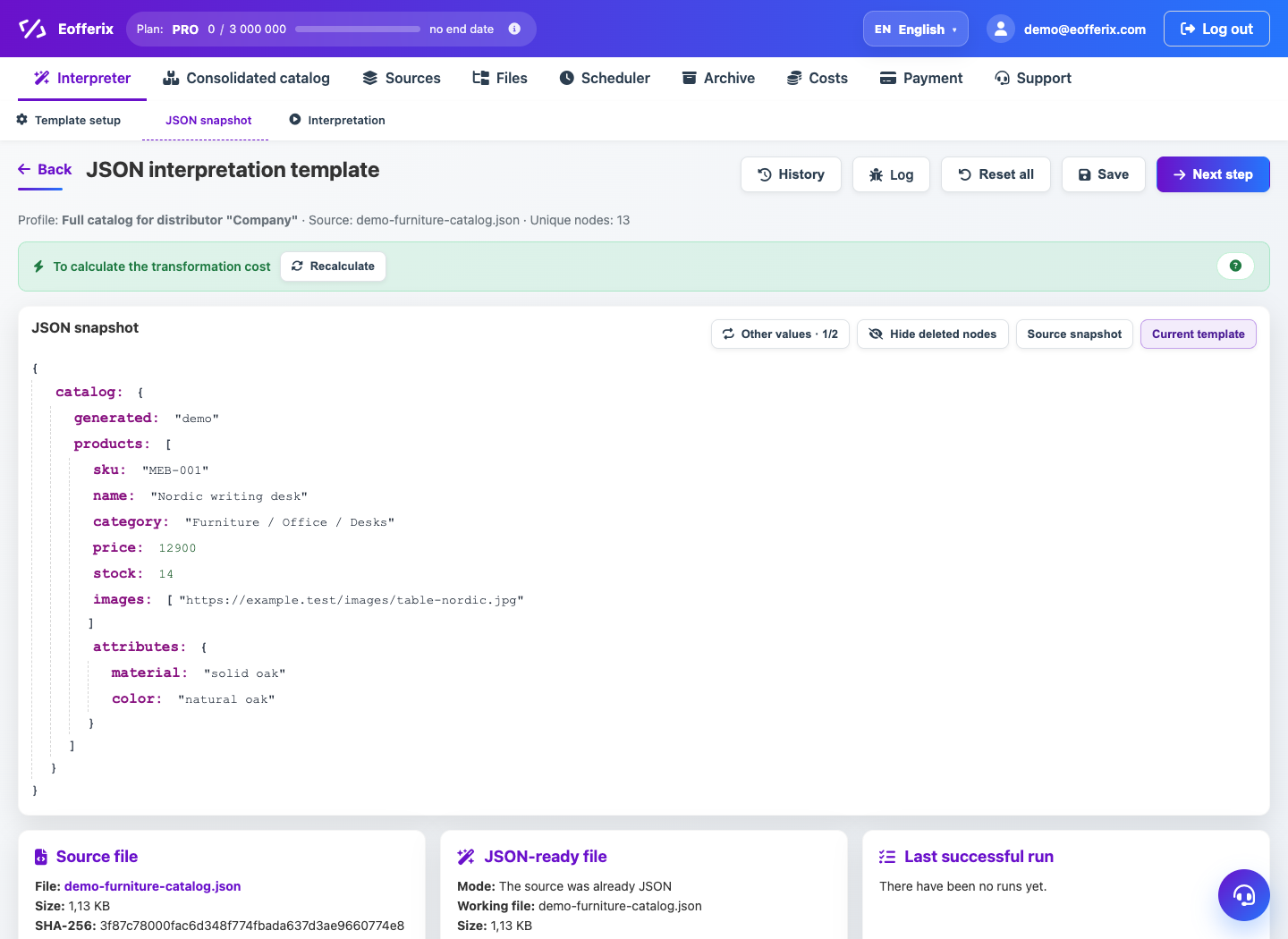
An array in JSON is needed when a product, order or customer has several repeating values: pictures, positions, tags, warehouses.
When to use
Use an array if the receiving system expects a list within a single object rather than individual table rows.
How to set up
- Open the profile JSON editor.
- Create a field that should become an array.
- Specify a source of duplicate values or a rule that collects multiple values.
- Check the order of the array elements in the preview.
- Save the settings and run the test on 2-3 objects.
What will happen
As a result, a correct JSON array will appear, for example images, items, tags or warehouses.
What is important to remember
- It is better not to add empty elements to the array.
- If you need one object per line, use result strings rather than an array inside the object.