
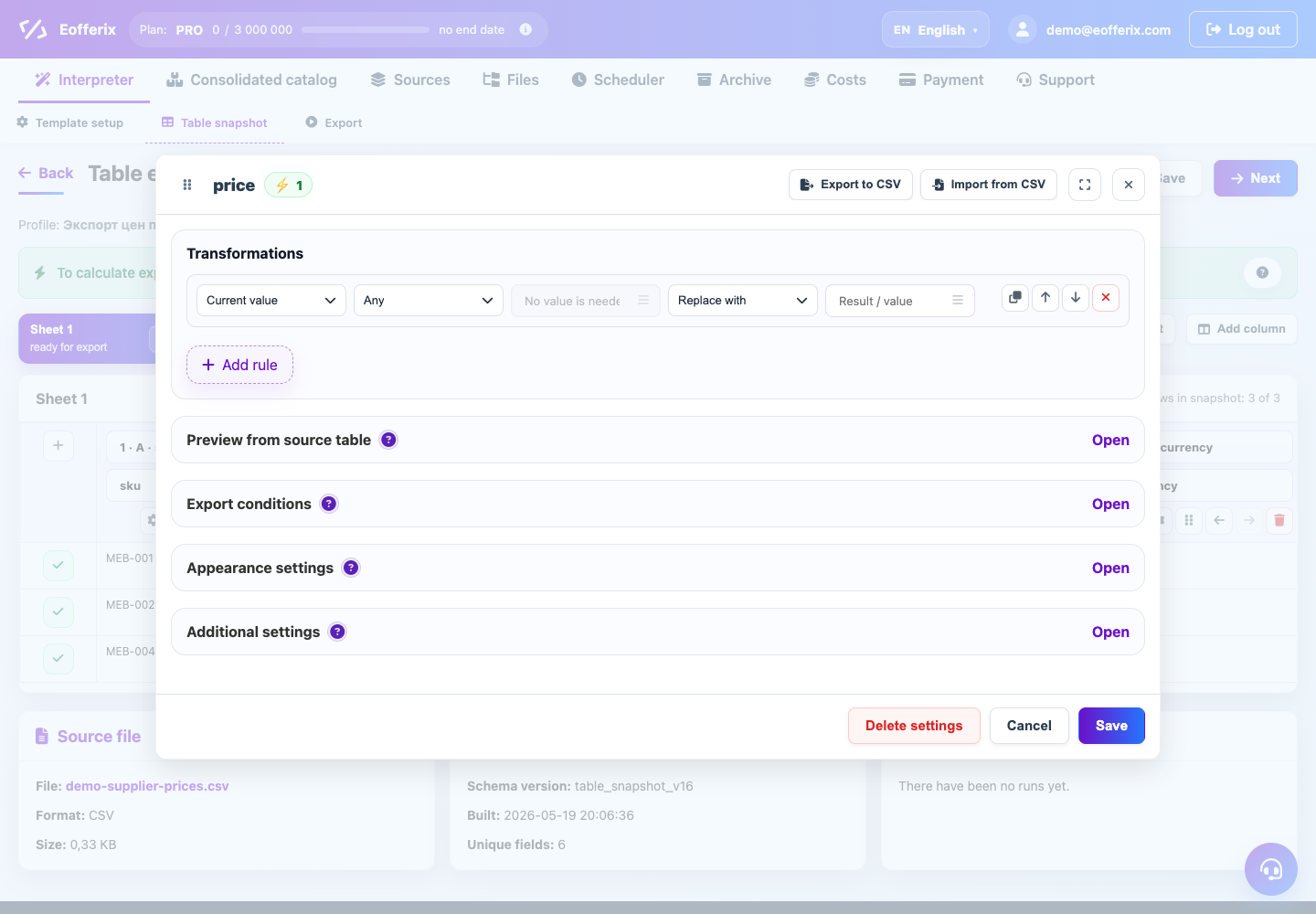
Price rules allow you to recalculate the purchase price into the sales price without manual formulas in the table.
When to use
They are needed when the supplier sends a base price, and the result should include a price with a margin, discount or lower threshold.
How to set up
- Select the price field.
- Add multiplication, adding or subtracting percentages.
- After calculation, adjust rounding.
- Add a minimum price check if the price should not fall below the threshold.
- Check products with low, regular and high price.
What will happen
The final price will be calculated automatically according to the profile rules.
What is important to remember
- Don't mix percentage and fixed amount without checking the examples.
- If there is an old price and a discounted price, configure each field separately.