
Not all links in the fields are pictures. These could be PDF instructions, Excel price lists, ZIP archives or videos.
When to use
Save such files as media if you need to transfer them further with a stable link from Eofferix.
How to set up
- Open the field with a link to the file.
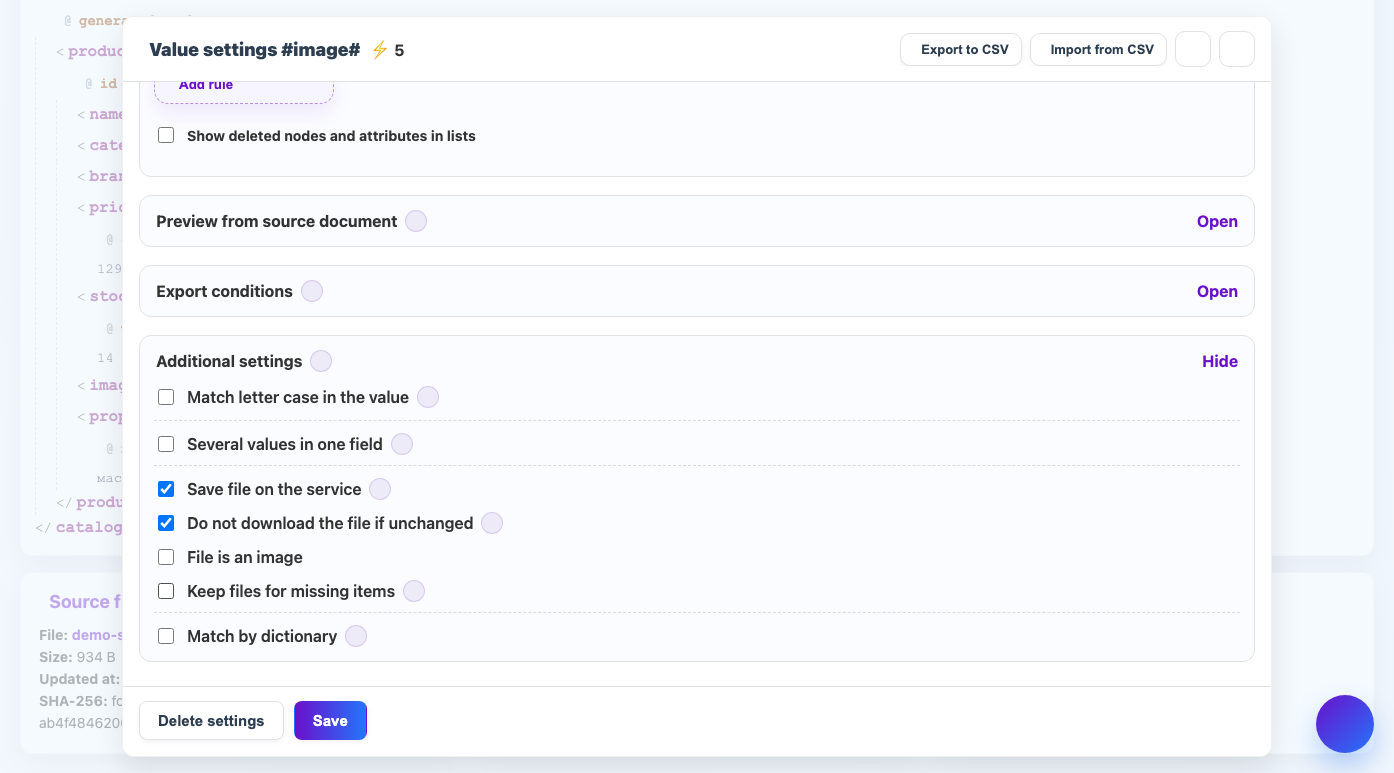
- Enable saving the file to the service, but do not mark it as an image.
- Check the allowed file type and size.
- Configure replacing the source link with the result link.
- Do a test run and open the saved file.
What will happen
The resulting file will contain a link to the saved document, archive or video.
What is important to remember
- For media, resize, quality and watermark are not applied.
- Large files take up storage space.