
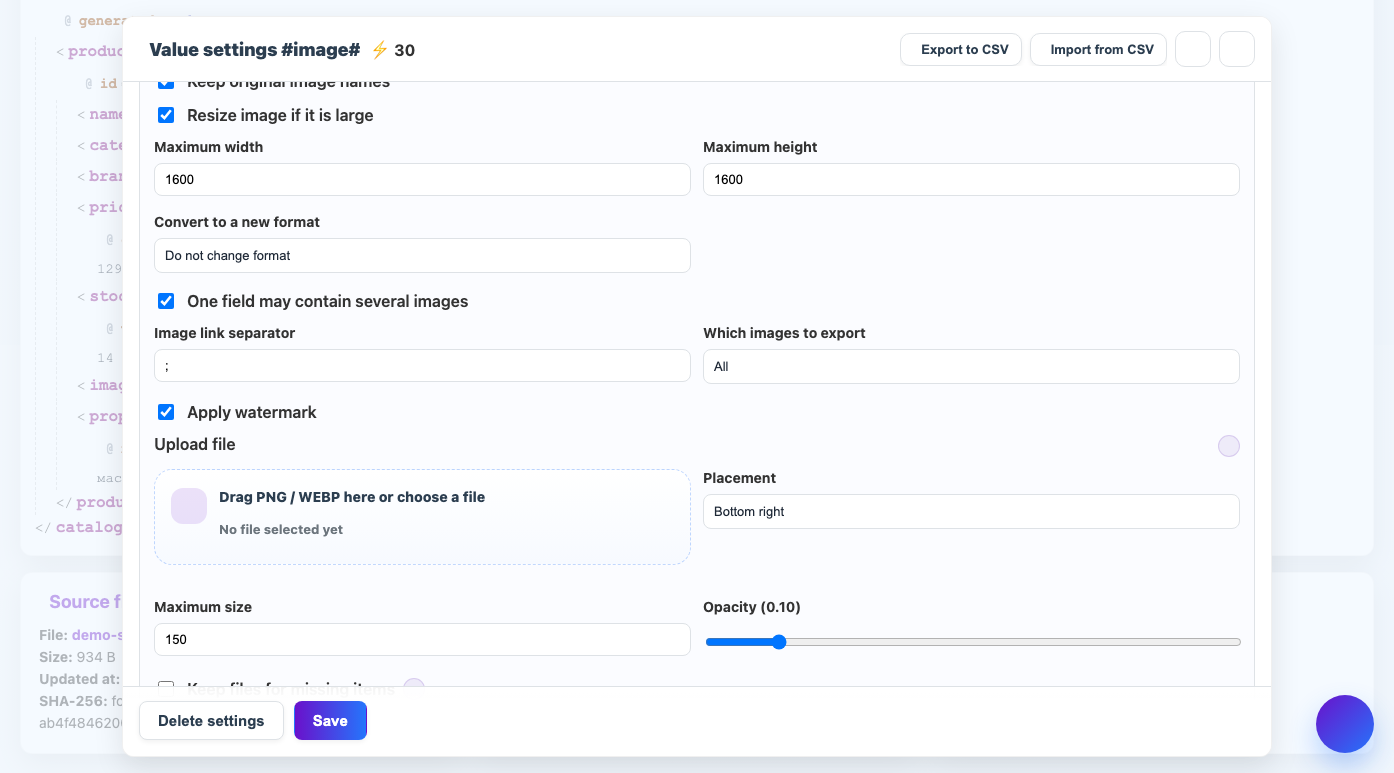
One field can contain several links to images. The service can parse them, download each one and put the result back together.
When to use
The setting is needed if the supplier provides images separated by commas, semicolons, spaces or line breaks.
How to set up
- Enable image processing for the field.
- Please note that there can be multiple images in one field.
- Specify a link separator or leave it auto-detected.
- Choose which images to upload: all or part of the range.
- Check the order of the links in the result.
What will happen
Several original links will turn into several processed links in the resulting field.
What is important to remember
- The order of the images is usually important for the product card.
- If the separator is chosen incorrectly, the service may mistake the entire field for one link.