
Suppliers often send values with double spaces, invisible characters, line breaks, and extra characters.
When to use
Normalization is needed before comparison, uploading to a table, creating URLs, articles or descriptions.
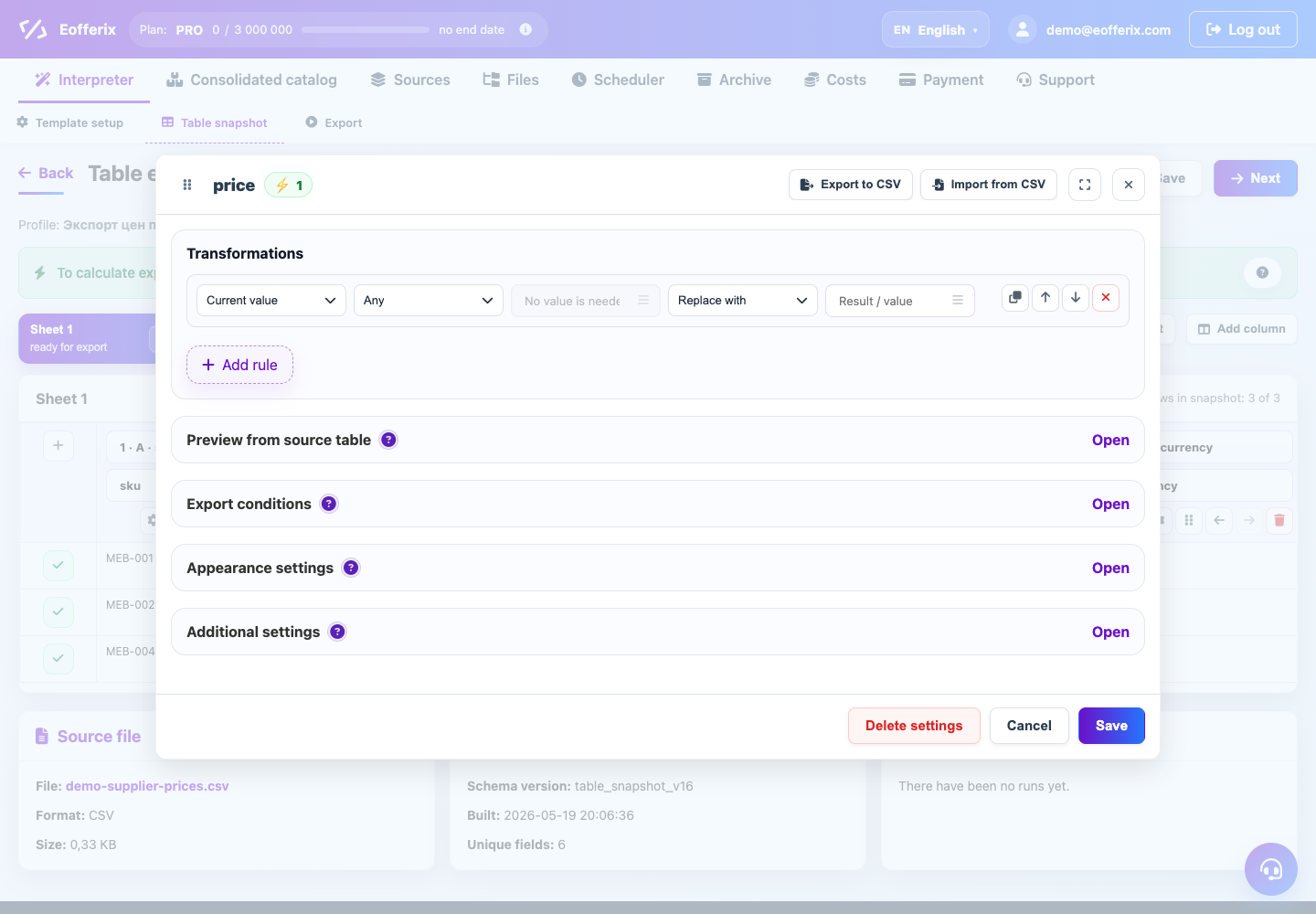
How to set up
- Open the text field.
- Add whitespace or character replacement conversion.
- Decide whether to keep line breaks or replace them with spaces.
- Remove unnecessary special characters if they interfere with import.
- Check the result on long descriptions and short codes.
What will happen
The text will become smoother and more predictable, and the receiving system will make fewer mistakes when importing.
What is important to remember
- Do not remove special characters from fields where they are part of the code.
- For HTML descriptions, cleaning needs to be configured carefully.