
Action "Don't download" stops the unloading of a value, field, string or element based on a specified condition.
When to use
It is useful if the data is technically available, but it cannot be transferred to the recipient: zero price, old product, empty article.
How to set up
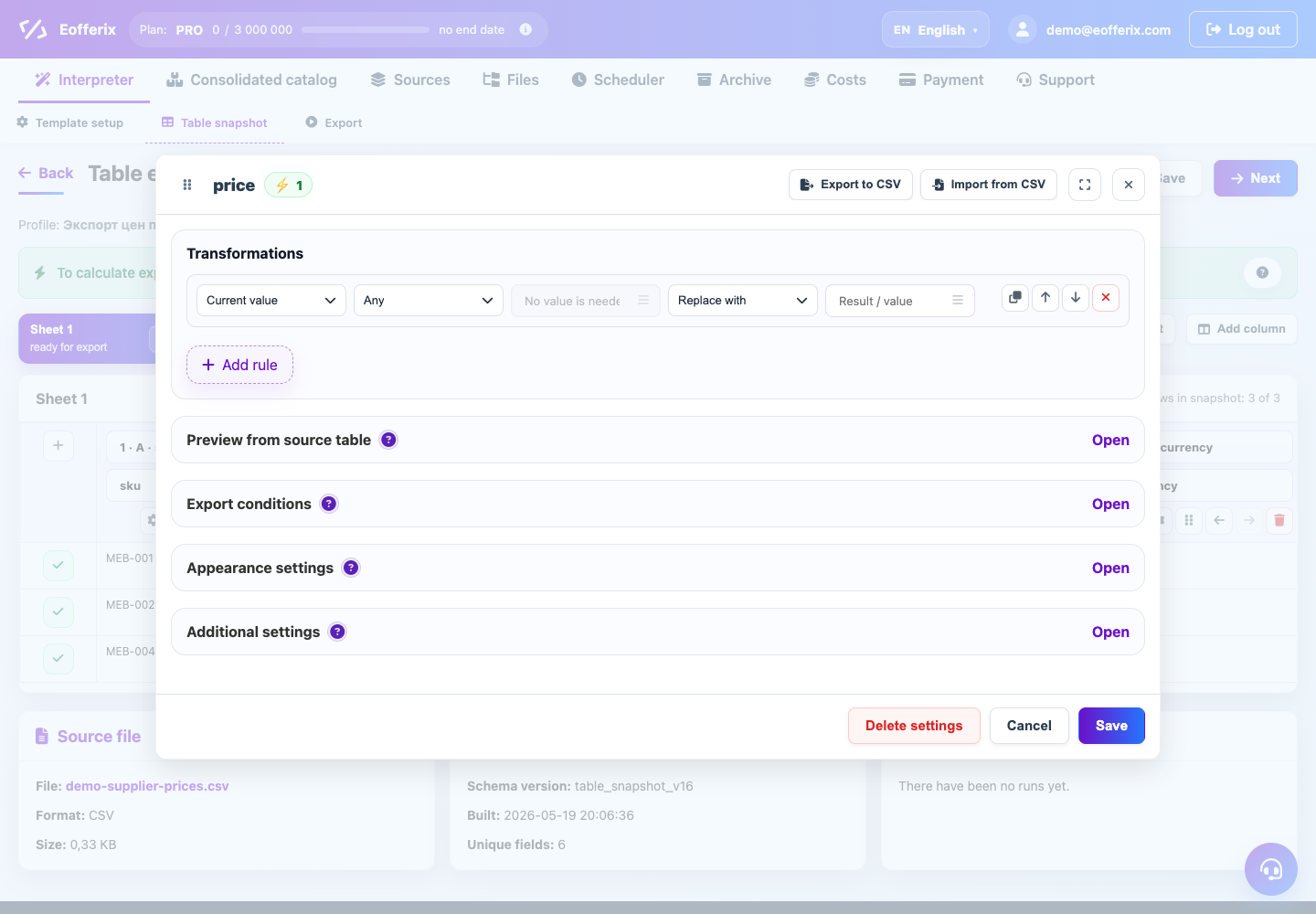
- Select the rule level: field, row, or element.
- Add a condition under which data should be excluded.
- Select action "Don't download".
- Verify that the correct level of data is excluded.
- Do a test run and compare the number of lines before and after.
What will happen
Unnecessary data will not end up in the final file, and the remaining lines will continue to be unloaded.
What is important to remember
- This action does not correct the value, but removes it from the result.
- Test a few edge examples before mass launch.