
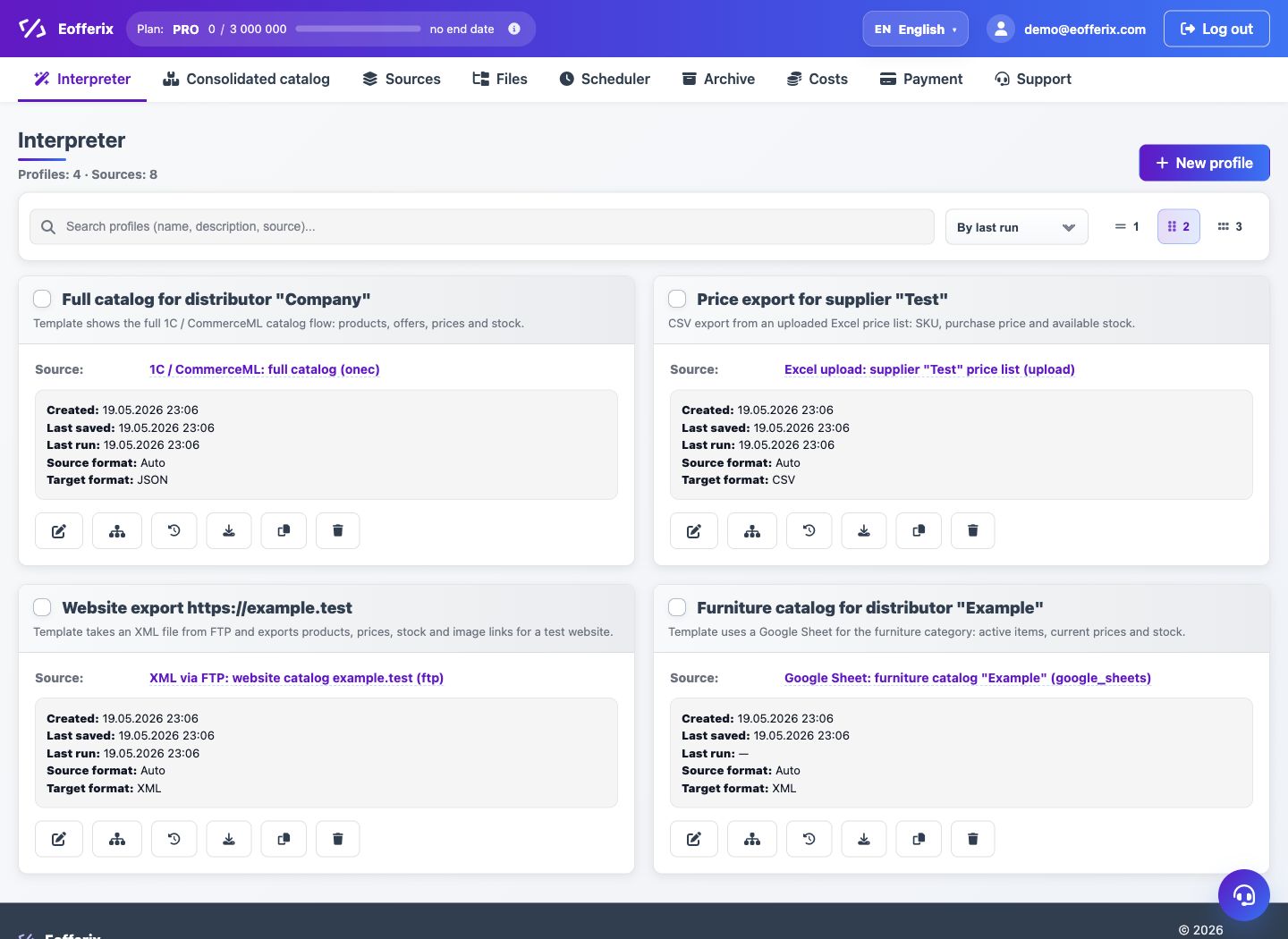
One source can be connected to multiple profiles. This is useful when the same catalog must produce different outputs: website feed, supplier file, distributor catalog or marketplace template.
How it works
- Create or connect the source once.
- Create the first profile and set its output format.
- Create another profile and select the same source.
- Configure each profile with its own template, fields, conditions and delivery settings.
Examples
- For a website, export XML with full description, images and sections.
- For a supplier, send CSV with only SKU, price and stock.
- For a distributor, build XLSX for a selected category.
- For a marketplace, use a separate template with required platform columns.
When the source updates, all linked profiles can use the new data. Each profile still has its own schedule, format and result.