
What this page does
Output fields describe which values go to XML, JSON, table or integration result. Each field is mapped to source data or defined by a rule.
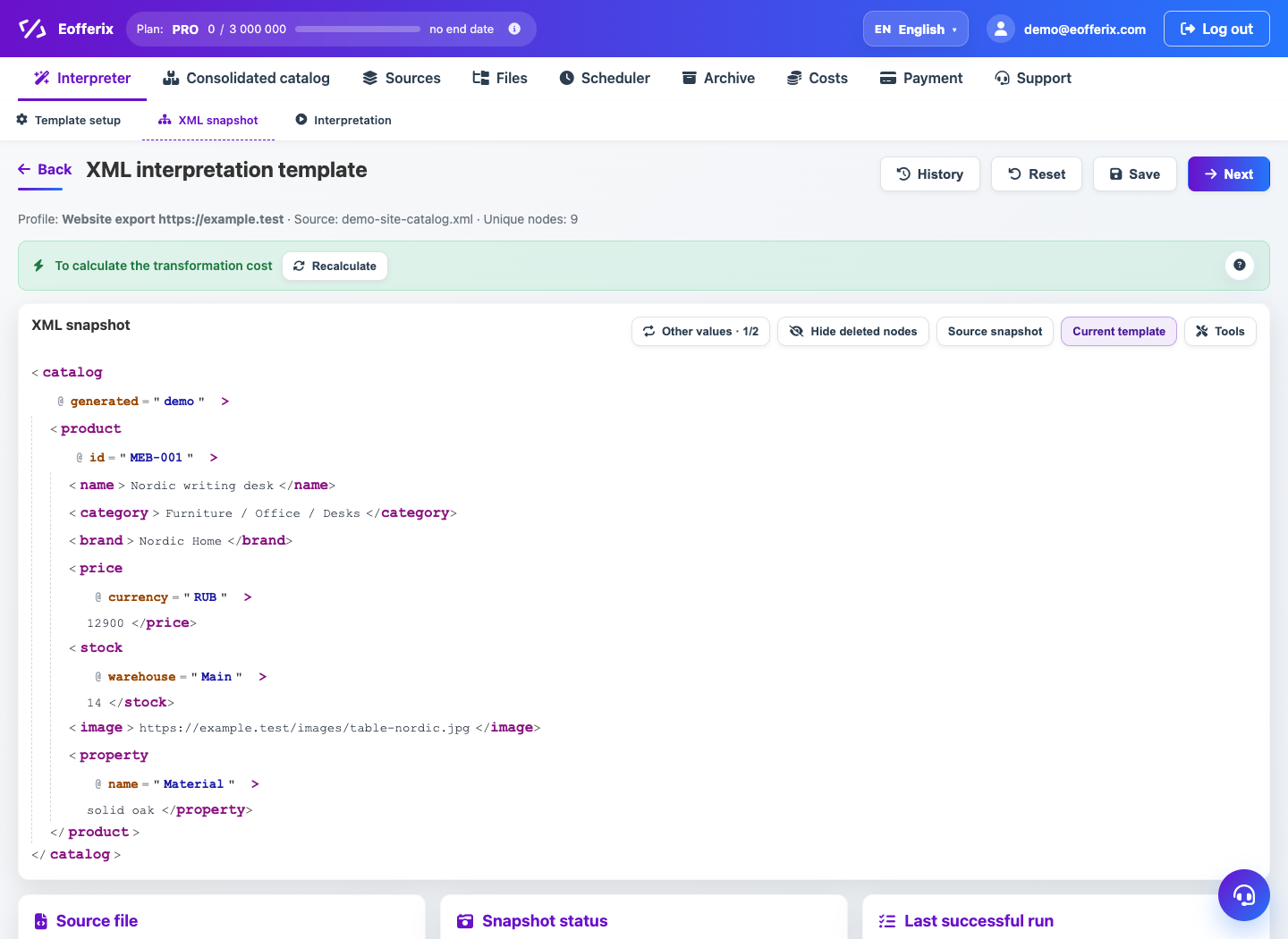
How to use it
- Open the snapshot editor.
- Add an output field or select an existing template field.
- Set name, order and output path.
- Map the field to a node, column or source value.
- Configure required flag, default value and transformations.
Expected result
- The output file contains required fields in the right order.
- Empty required values can be detected before a full run.
- One field can be built from several input values.
Common issues
- Duplicate names can break import in the receiving system.
- A required field without value can stop or damage the result.
- After changing format, check old field compatibility.