
What this page does
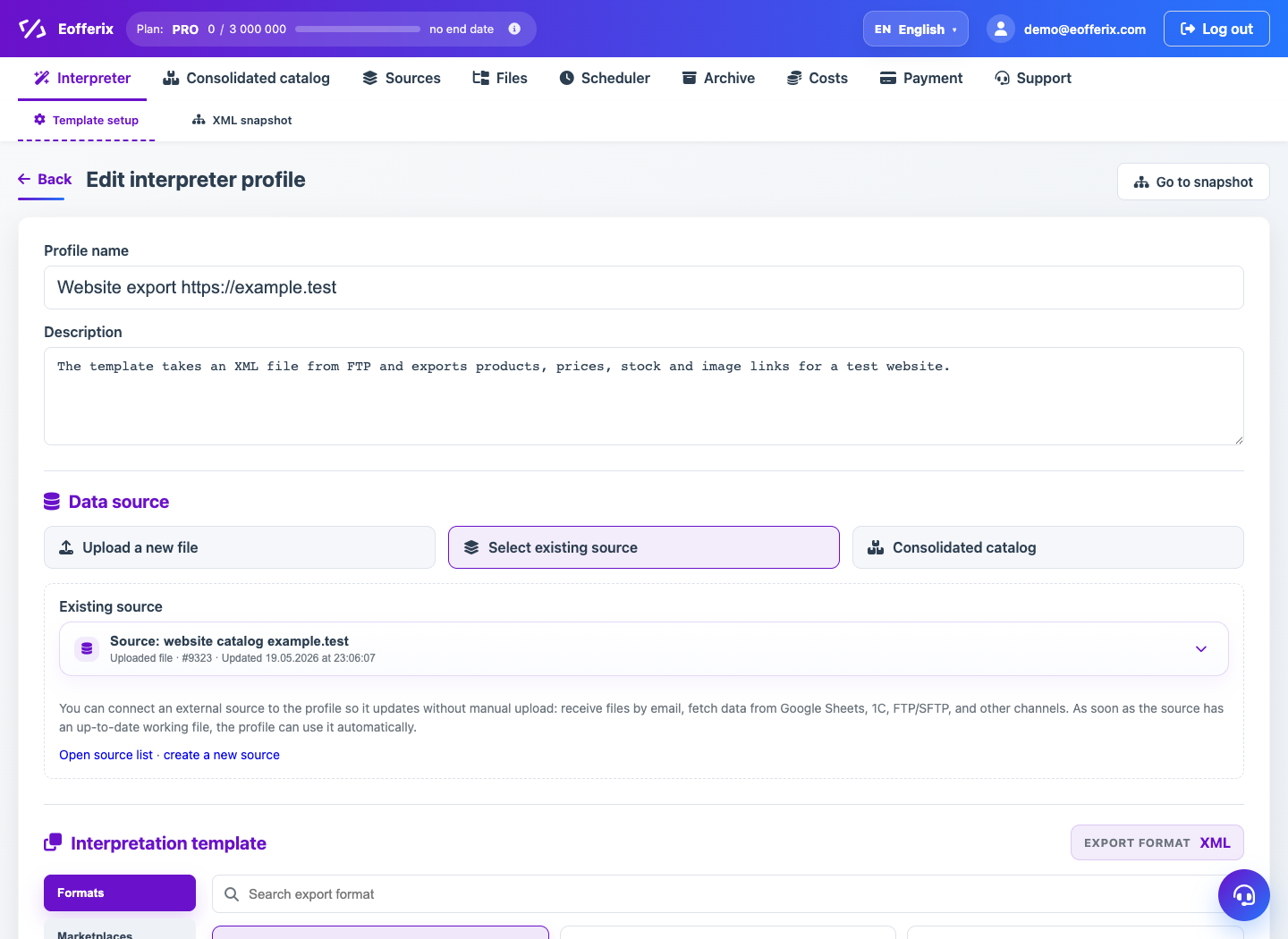
Output format defines how Eofferix builds the result and which settings appear in the template. It affects editor, cost and delivery mode.
How to use it
- Open the profile and Interpretation template block.
- Choose category: formats, marketplaces, applications or catalog.
- Select a concrete output template.
- Check required fields and format limits.
- Save profile and continue to snapshot.
Expected result
- The profile gets the required result type.
- The editor shows settings relevant to this format.
- A run creates a file, integration import or catalog write.
Common issues
- Changing format may reset incompatible field settings.
- Marketplaces have required fields and constraints.
- Catalog format may write data instead of producing a download file.