
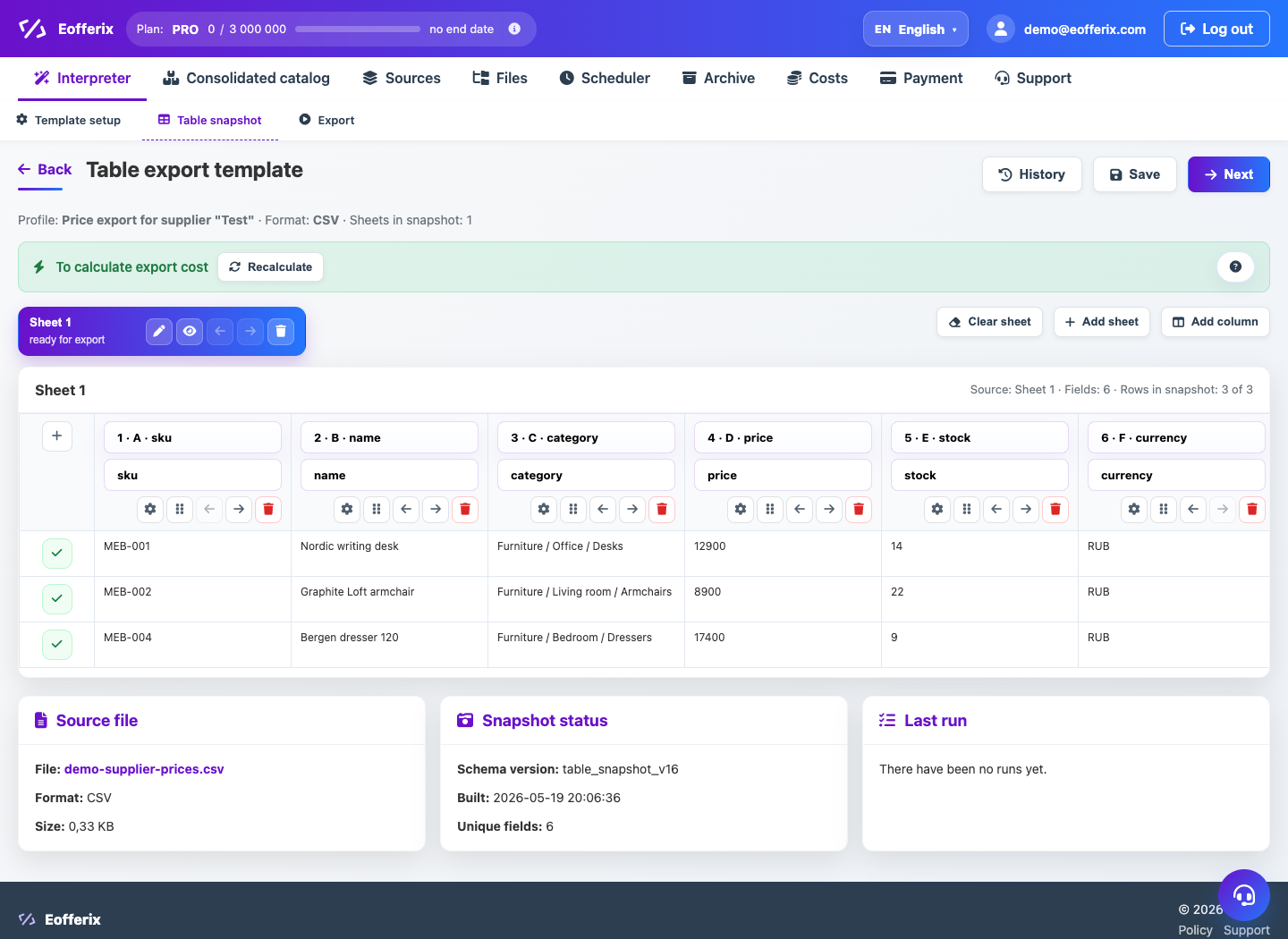
The Ozon profile works with the marketplace Excel template: the service substitutes the data into the desired structure, and the settings are made in a spreadsheet editor.
When to use
Use this template if the result must match the Ozon Excel file.
Setting procedure
- Create a profile and select a product source.
- In the template step, select Ozon.
- Upload the current template file from the seller’s account if the interface requests it.
- Open a spreadsheet editor and match the source fields with the template columns.
- Preview and download the test result.
- After verification, configure delivery or manual download.
What to check
- The marketplace template is up to date and has not been manually modified after downloading.
- The required Ozon columns are filled in.
- The number of rows and sheets is as expected.
Notes
- Ozon requirements may change, so the template must be updated from the seller's account.
- The service does not replace file verification on the marketplace side.