
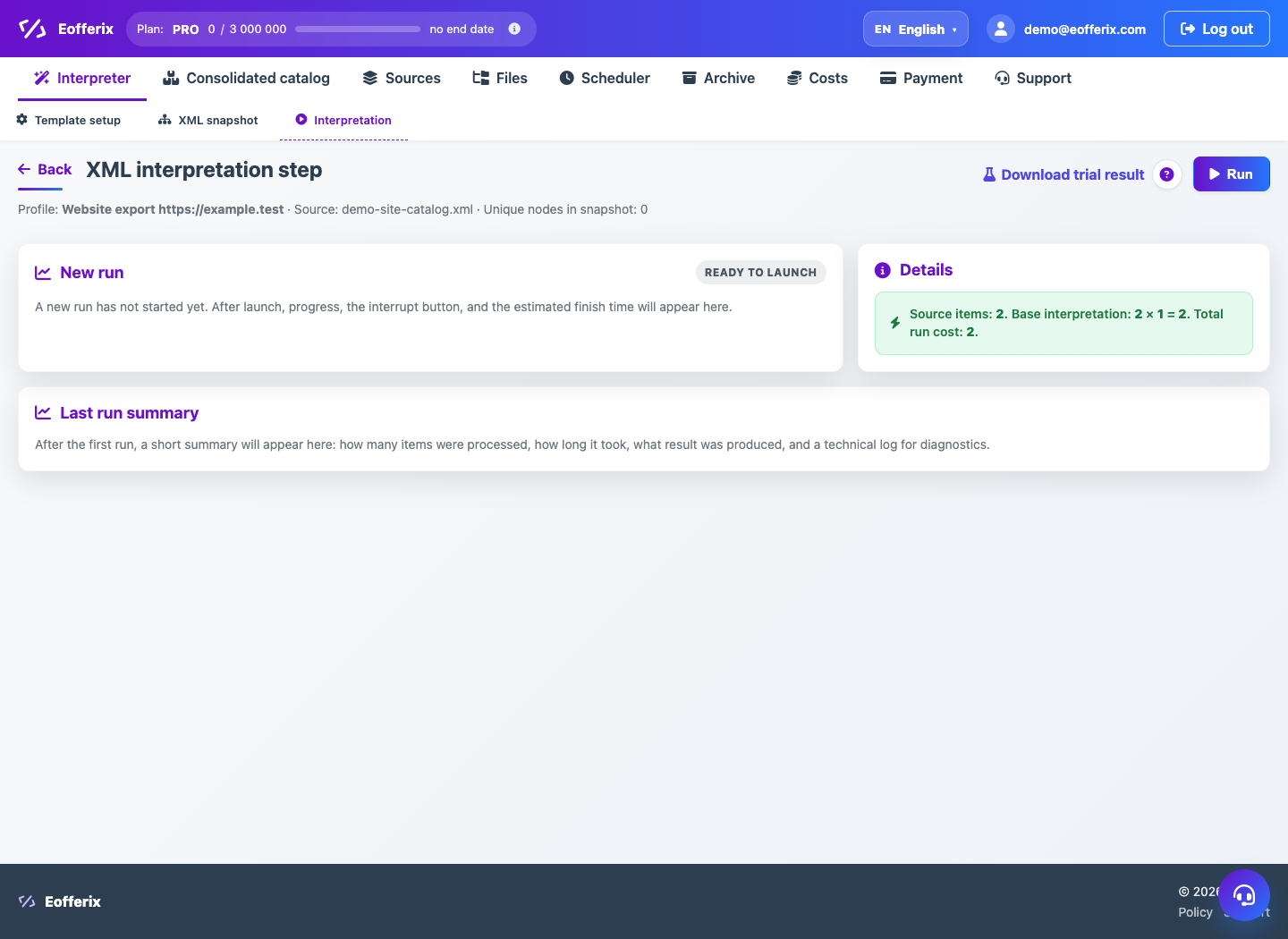
Preview helps you see the structure of the result, some of the data and cost calculations before the full launch.
When to use
Use preview before enabling scheduling or mass processing.
Setting procedure
- Open your profile editor.
- Save changes if the interface requires an up-to-date state.
- Run a preview or demo.
- Check the fields, number of elements and format of the result.
- Correct the rules and test again.
- After a successful test, run the profile completely.
What to check
- The preview contains the actual source values.
- There are no unexpected blanks or duplicates.
- The result format is valid for the recipient.
Notes
- For large files, the preview may use a limited portion of the data.
- If image processing or grouping is enabled, the cost and time may differ from a simple profile.