
What this page does
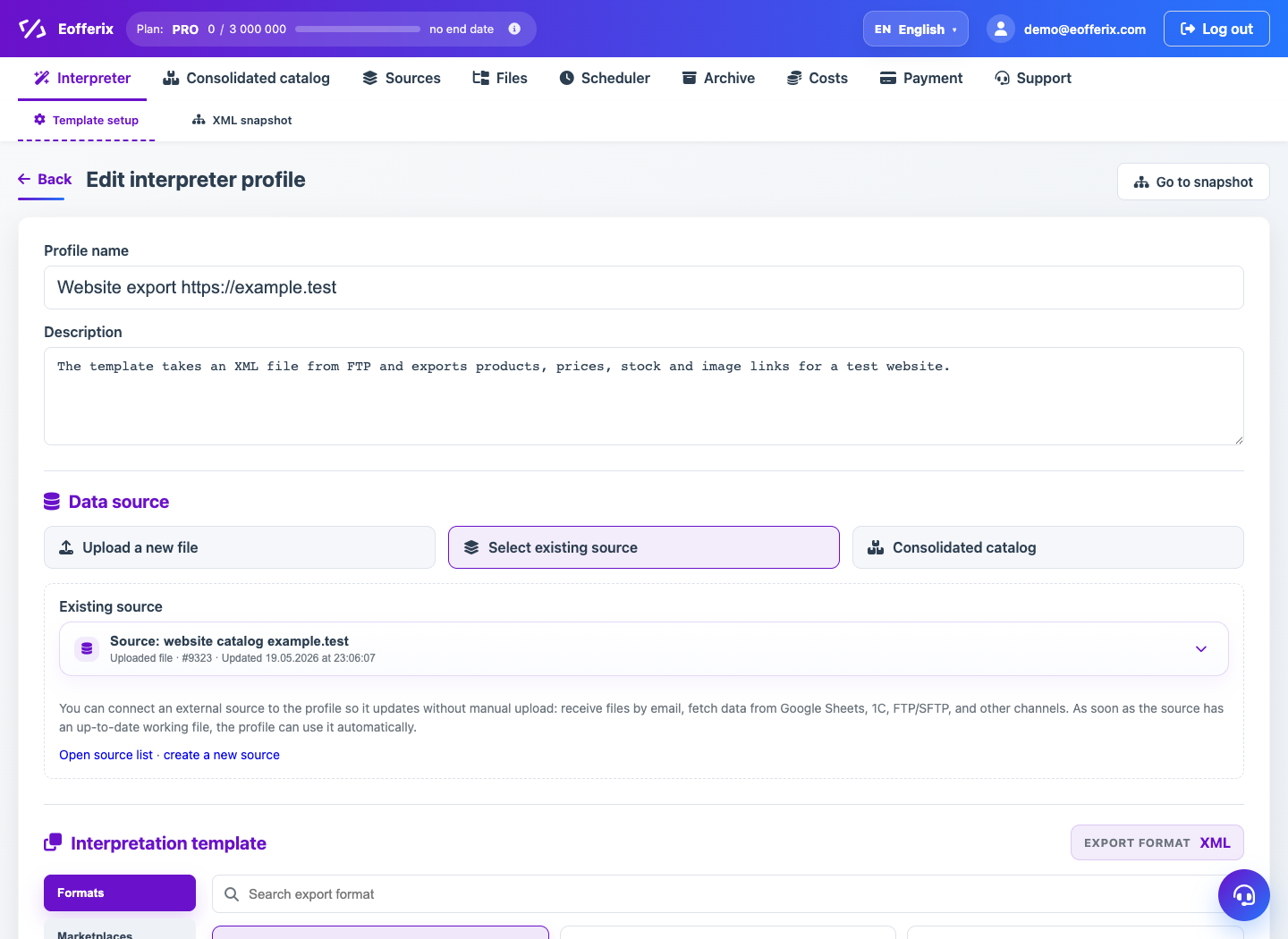
The source block connects an interpretation template to real input data. The same source can be reused in several profiles if the data structure matches.
How to use it
- Open a profile or create a new one.
- In Data source, choose an existing source from the list.
- If the source does not exist, create a new one and fill in the source card.
- Receive or upload the source file so Eofferix can read the structure.
- Return to the profile and continue configuring the template.
Expected result
- The profile uses the latest working file from the source.
- The snapshot is built from the selected source.
- When the source is updated, the profile can use fresh data.
Common issues
- A source may be hidden if it is archived or not saved yet.
- For 1C, assemble a working source after the CommerceML export first.
- If the structure changed, Schema Guard may require confirmation.