
Eofferix has several similar repeated-value scenarios, and it is important not to mix them up. One scenario is about multiple values inside one field; another is about repeated source nodes or items.
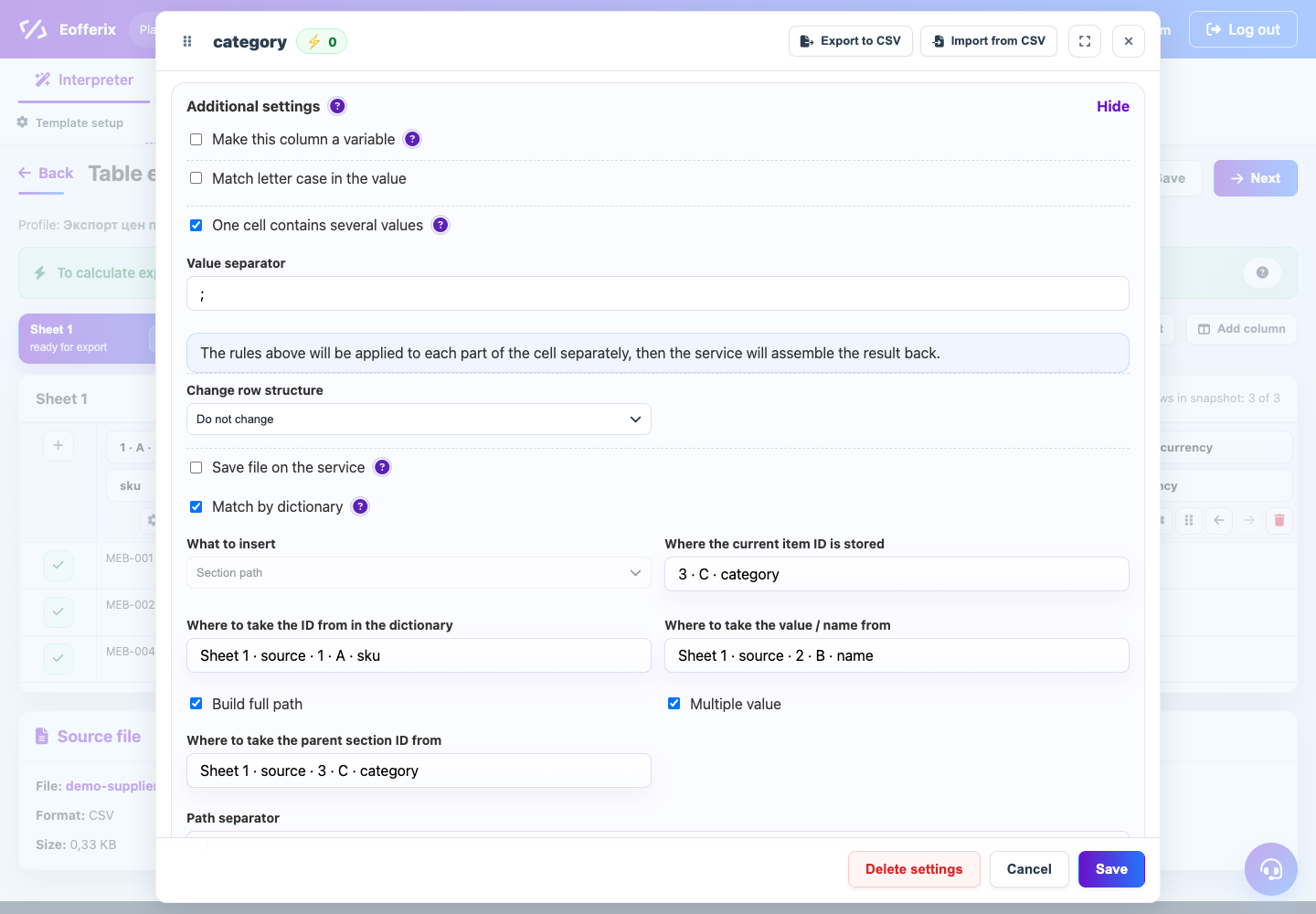
Multiple values in one field
Enable this setting when the value looks like a list: several images, codes, properties, or IDs separated by ;, |, or another delimiter. The service splits the value, applies rules to each part separately, and assembles it back.
Repeated nodes or arrays
In XML and JSON, repeated elements can be handled with the transformation action “collect values by path”. It takes values from several repeated child nodes or array items and puts them into one result field.
Row splitting in tables
In the table editor, a separate row structure setting can split values into new rows or merge similar rows. This changes the number of result rows, not only the value of one cell.