
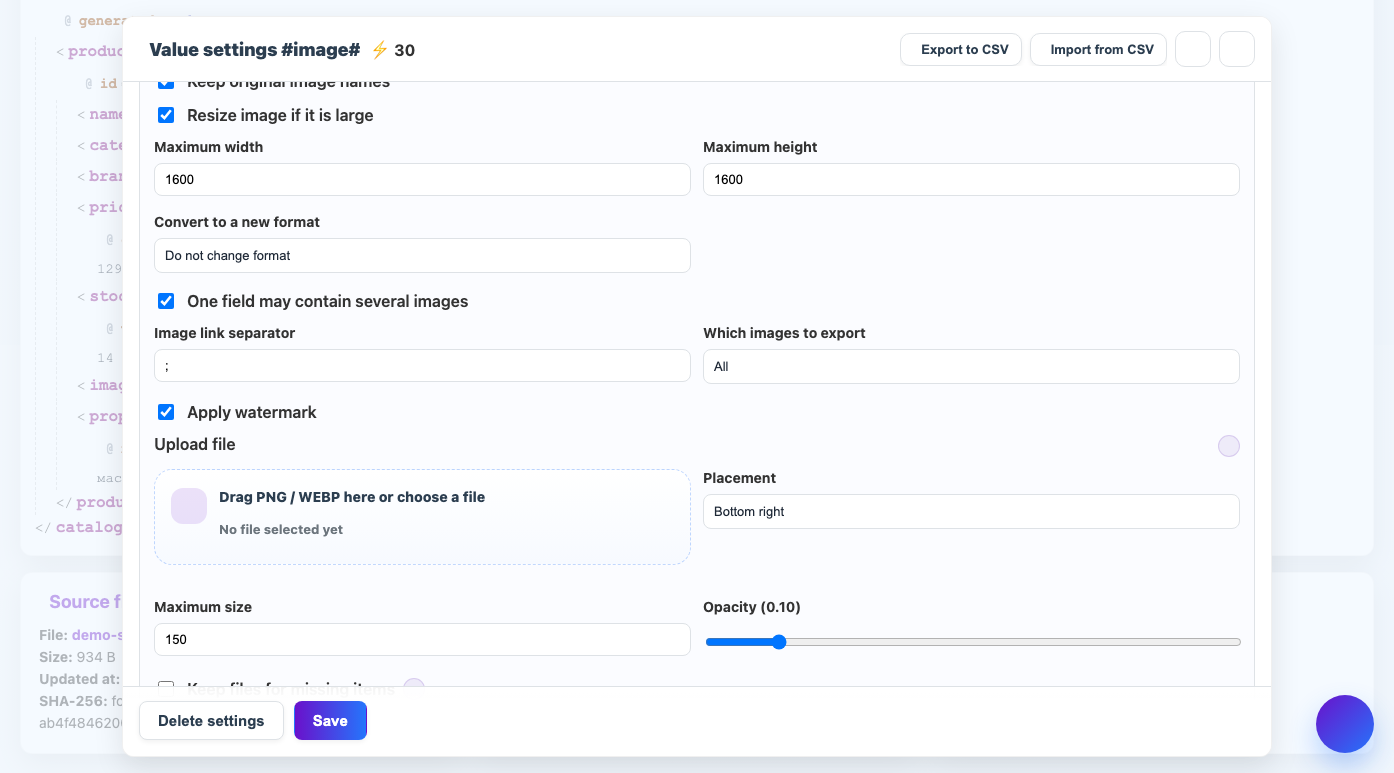
Limiting the size reduces the weight of images and brings them to the requirements of the site or marketplace.
When to use
Use the setting if the supplier sends photos that are too large or the recipient accepts images up to the specified width/height.
How to set up
- Enable image processing.
- Specify a maximum width and/or maximum height.
- Leave blank the parameter that you do not want to limit.
- Check that the image proportions are maintained.
- Compare the weight of the source and final files.
What will happen
The images will be smaller, but will maintain their proportions and will be easier to load.
What is important to remember
- Do not artificially enlarge small images.
- Reducing it too much may ruin the product card.